

Warehouse checklists and inspections without paper

Inspect the warehouse, equipment and selected zones with digital checklists. Place a QR code or NFC tag where it belongs and let the worker start the check with a single scan.

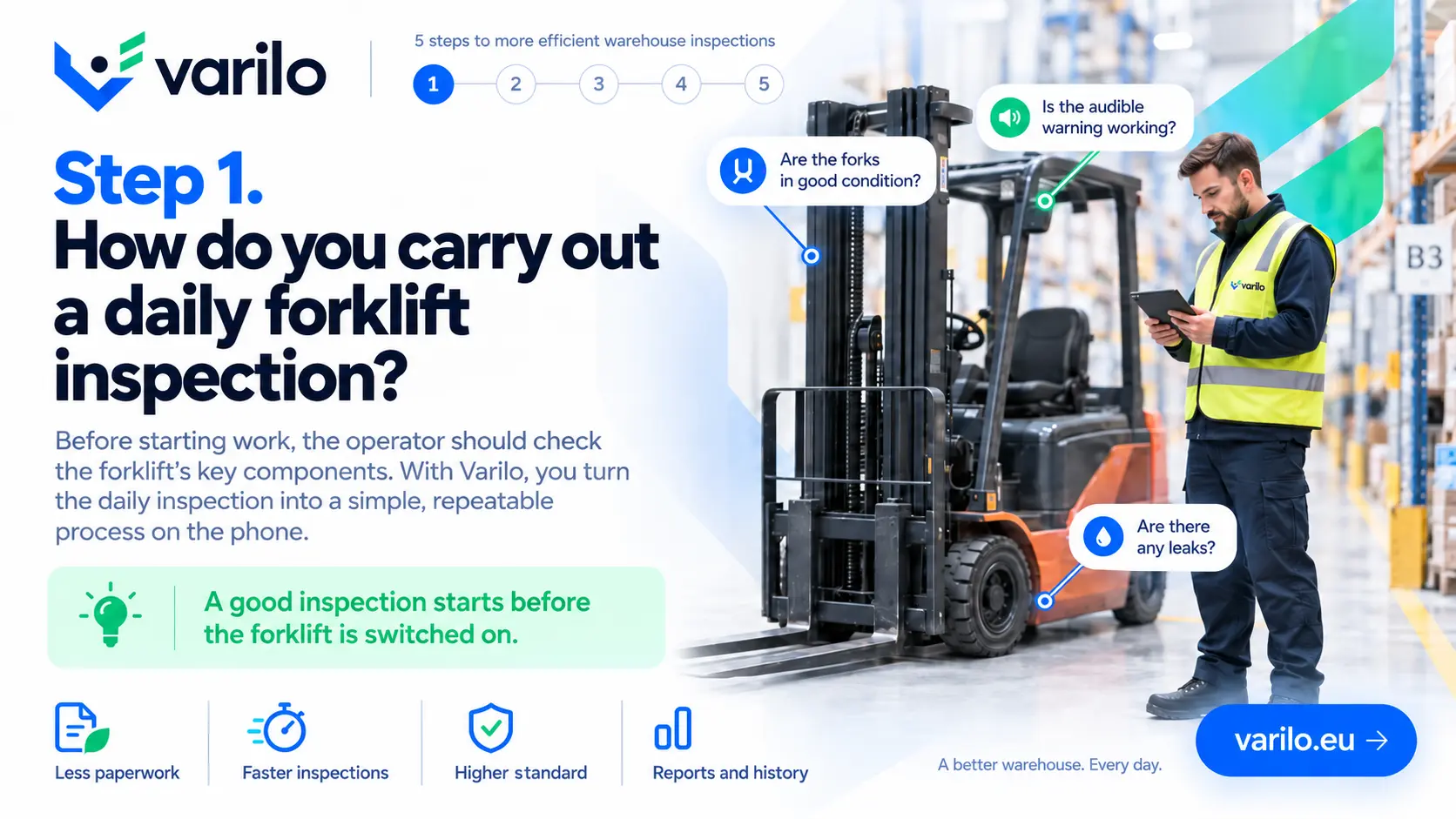
Step 1. Daily forklift inspection — the operator checks key forklift components before work

Daily warehouse checks in one system

Varilo can replace the paper lists used for daily checks of warehouse condition and equipment.

Instead of collecting sheets from several zones, results go straight into a shared history.

An inspection tied to a place or a piece of equipment

A QR code or NFC tag can be placed on a forklift, a rack, a gate or at the entrance to a given zone.

The worker scans the label and immediately knows which check to run.

From checklist to report in a few simple steps

This is how a warehouse inspection runs in Varilo.

  1. 1

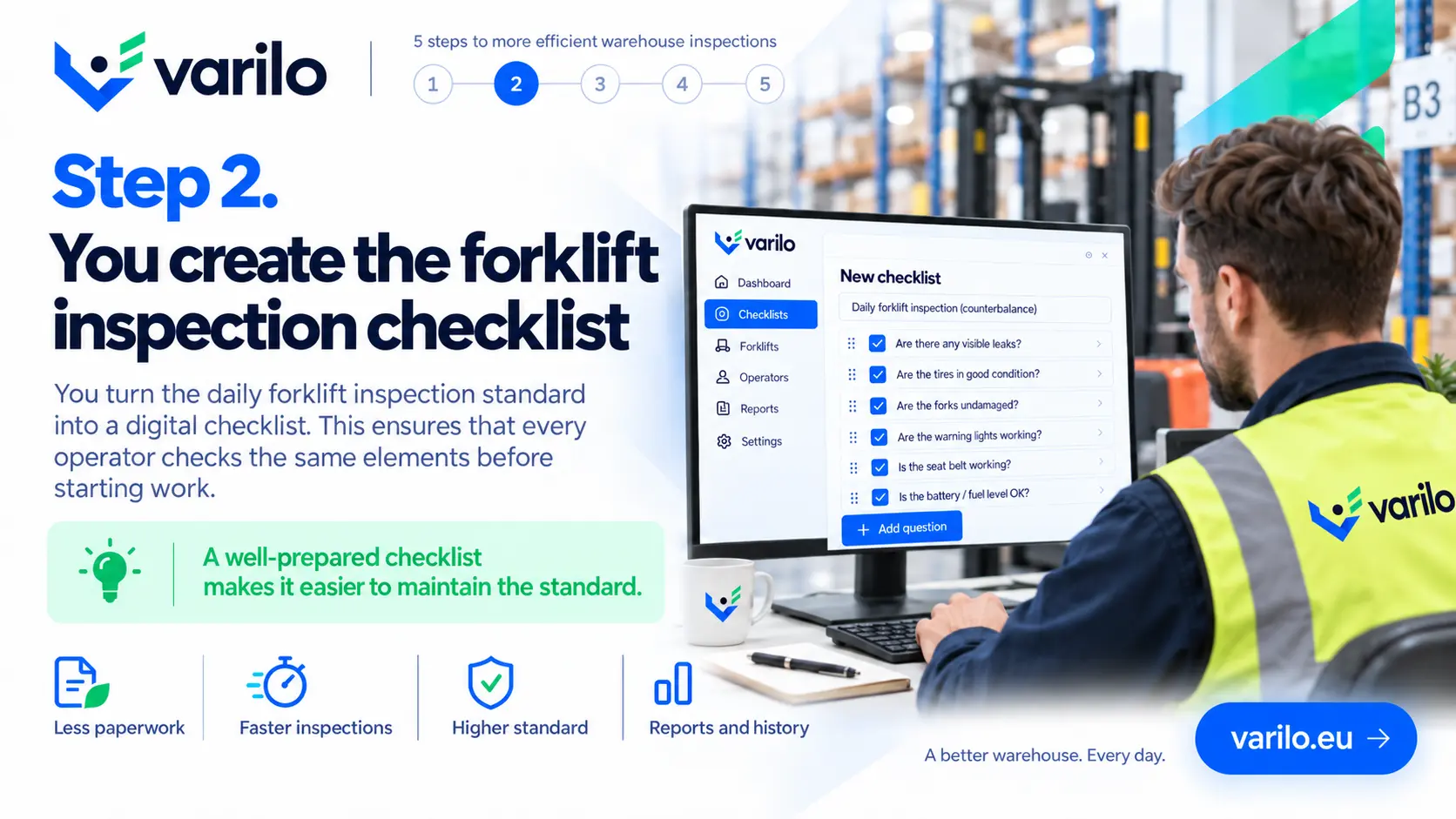
    Create a zone or equipment checklist

    Prepare the questions for a forklift, rack, dock or an entire warehouse zone.

  2. 2

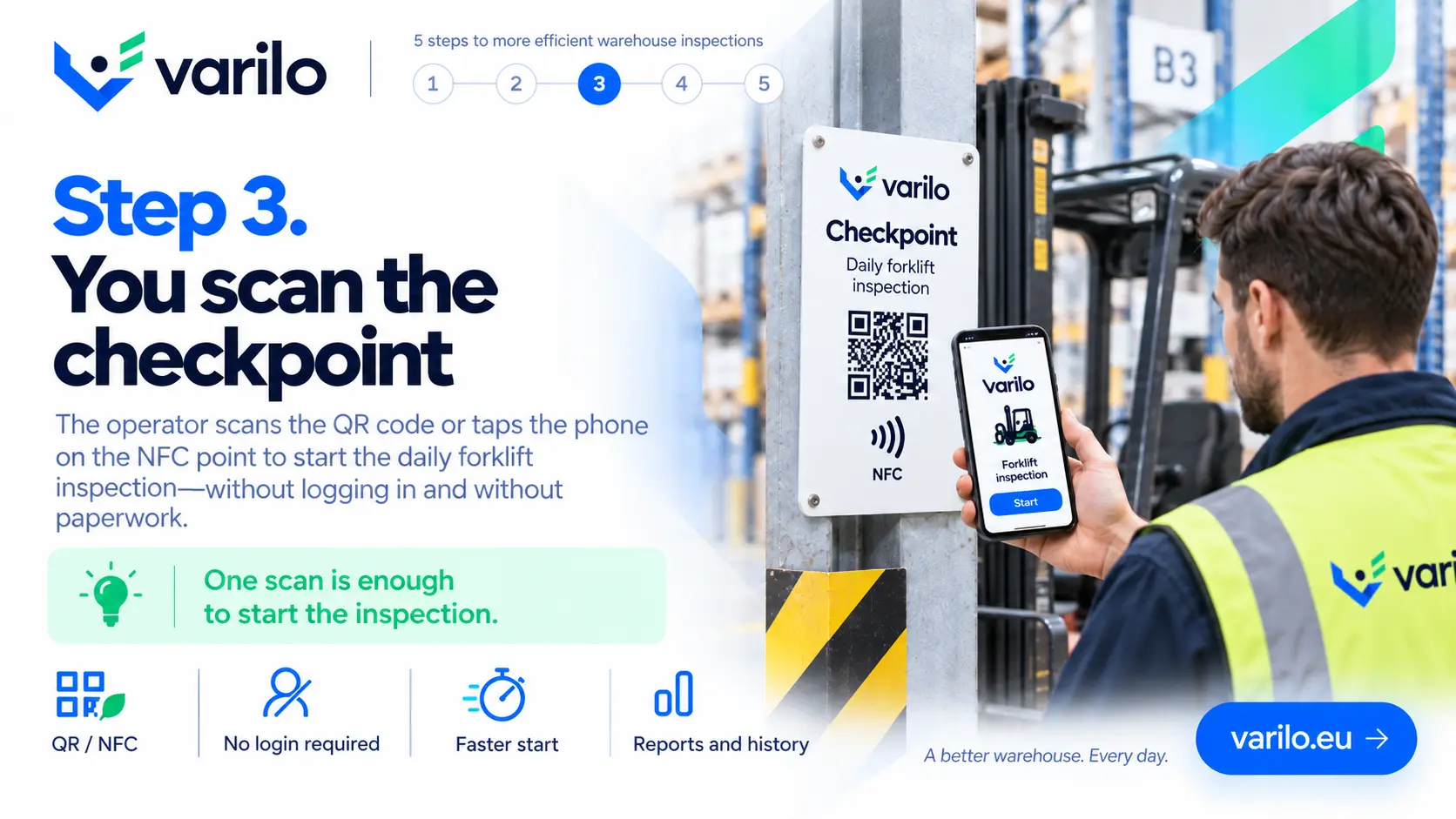
    Label the place

    Stick a QR code or NFC tag on the equipment or at the entrance to the zone the check applies to.

  3. 3

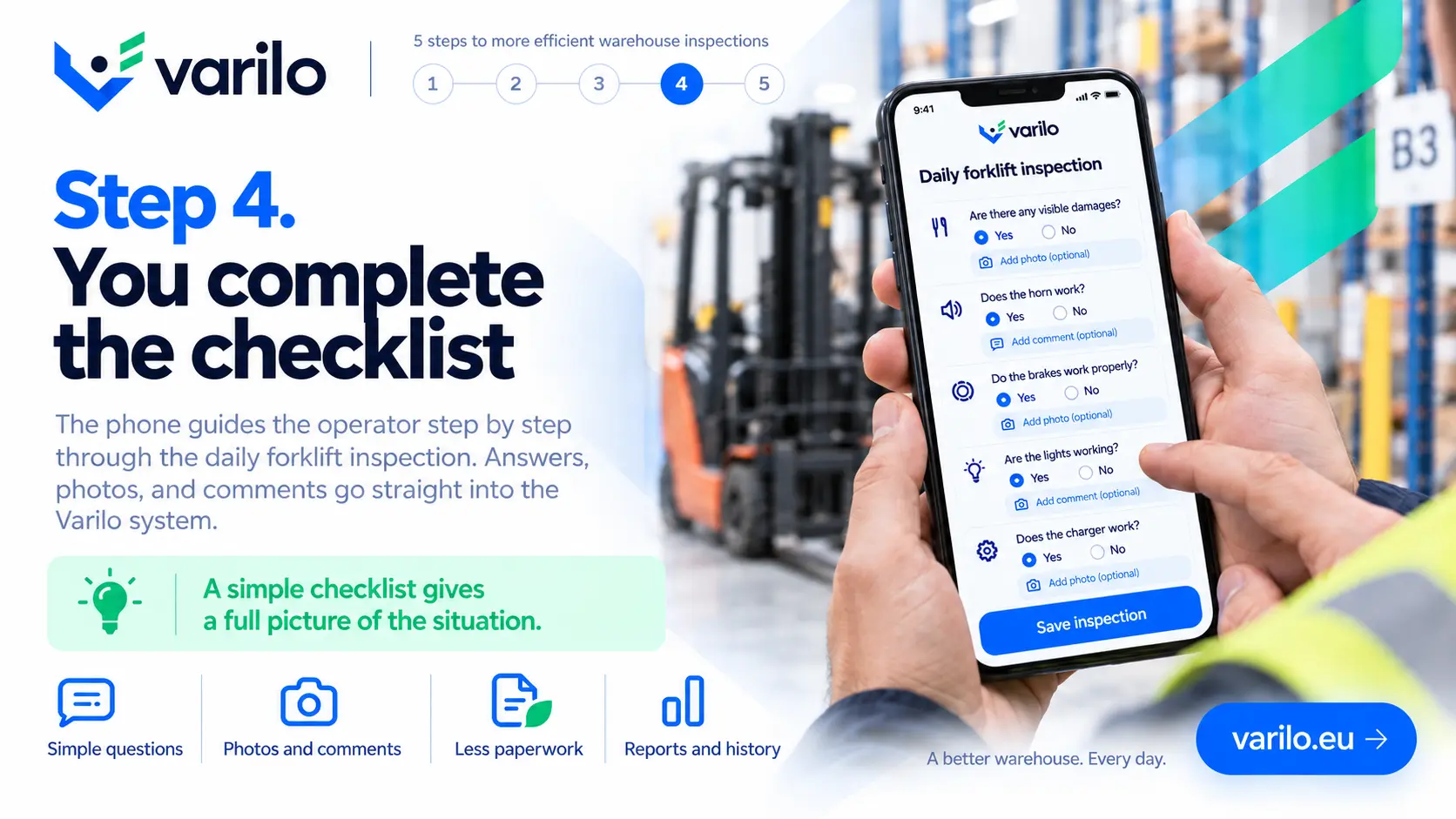
    The worker runs the check

    They scan the label with a phone and go through the questions — no account, no login.

  4. 4

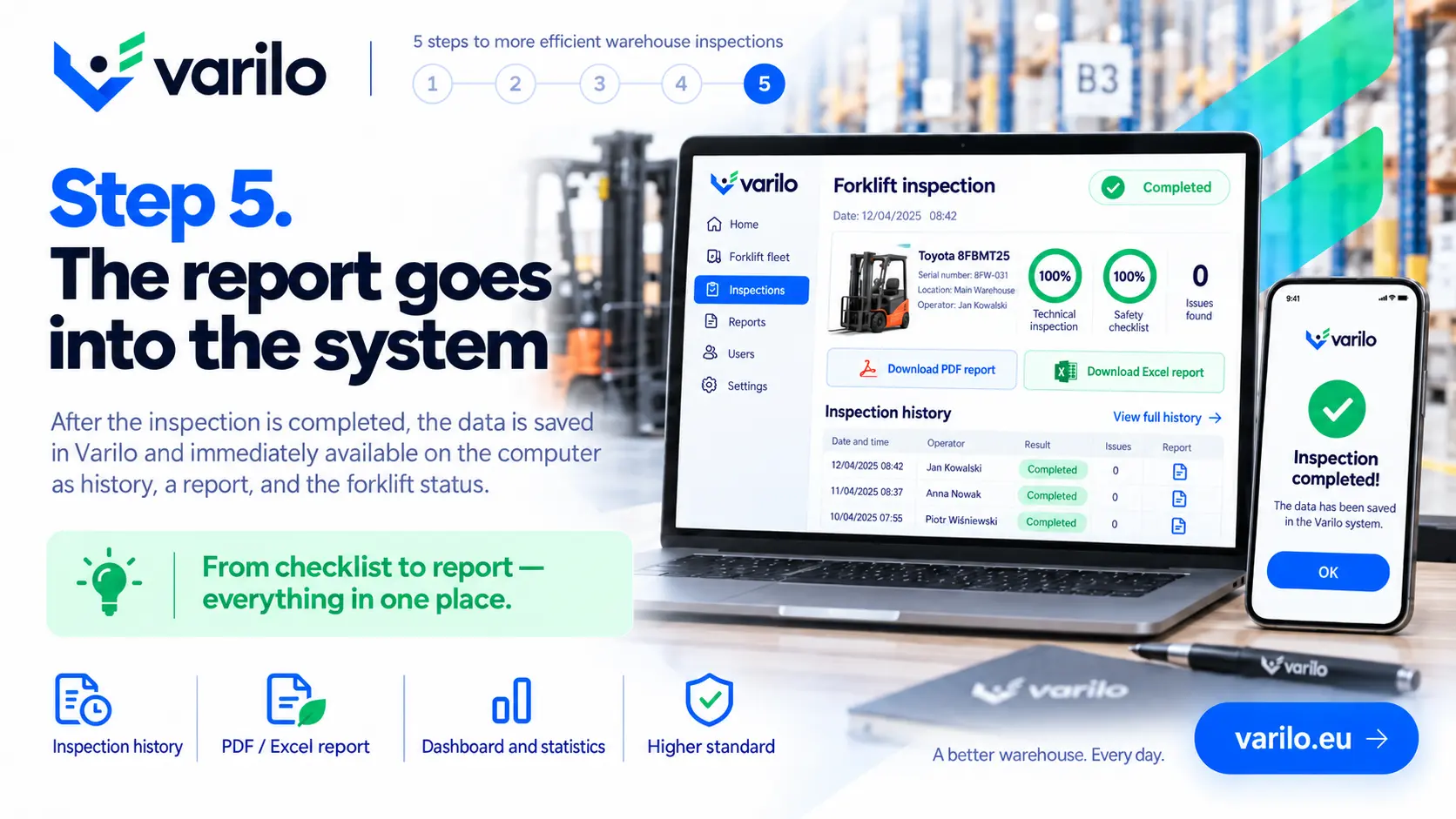
    Analyse the results

    Results, photos and reported faults collect in one place together with the history.

Example use cases

Warehouse checks that move easily into a digital checklist.

  • warehouse inspection
  • forklift check
  • racking inspection
  • dock check
  • gate check
  • staging area check
  • cleanliness check
  • 5S
  • warehouse opening
  • warehouse closing
  • warehouse equipment check
  • signage check

Everything you need to run inspections

Digital checklists

Create and edit checklists that match your own processes.

QR and NFC

Launch the right checklist directly at the inspected place or piece of equipment.

Inspections without login

Workers do not need their own account to complete a shared inspection.

Findings

Document issues found during an inspection and keep their history.

Documentation

Keep inspection results in one place instead of binders and scattered files.

Reports and statistics

See how many inspections were done, their results and recurring issues.

Inspection results in one place

Reports and statistics show how daily warehouse checks are going:

  • number of inspections in a chosen period,
  • zones and equipment with recurring findings,
  • history of a specific forklift or rack,
  • results of opening and closing checks,
  • reported faults together with photos.

Start with one warehouse zone

Label a single place with a QR code or NFC tag and see how the check looks when a worker runs it from a phone.

FAQ – Varilo in the warehouse

What is a digital checklist?
It is the equivalent of a paper checklist that the worker fills in on a phone, tablet or computer, with the result saved automatically.
Does the warehouse worker need an account?
No. A shared inspection is completed after scanning the code, without creating a separate account.
Can one label refer to a specific forklift?
Yes. A code can be assigned to a single piece of equipment so the history belongs to it.
Can a photo of damage be added?
Yes. A photo and a comment can be attached to an answer.

Sample checklists

Ready-made inspection templates you can start from.

Warehouse

Daily warehouse inspection

Daily warehouse walk: racking condition, traffic routes, forklifts, loading docks, signage and fire safety.

13 check points

View checklist
All checklists

Ready to leave paper checklists behind?

Create inspections, share them via QR or NFC and analyse the results in one place.

No paperwork. No worker accounts. From checklist to report in one place.