

Checklists and inspections for transport and logistics

Replace paper vehicle inspection cards with digital checklists. The driver scans a QR code or NFC tag at the vehicle, completes the check and saves the result together with photos.

Results, vehicle history and reported defects stay available in Varilo.
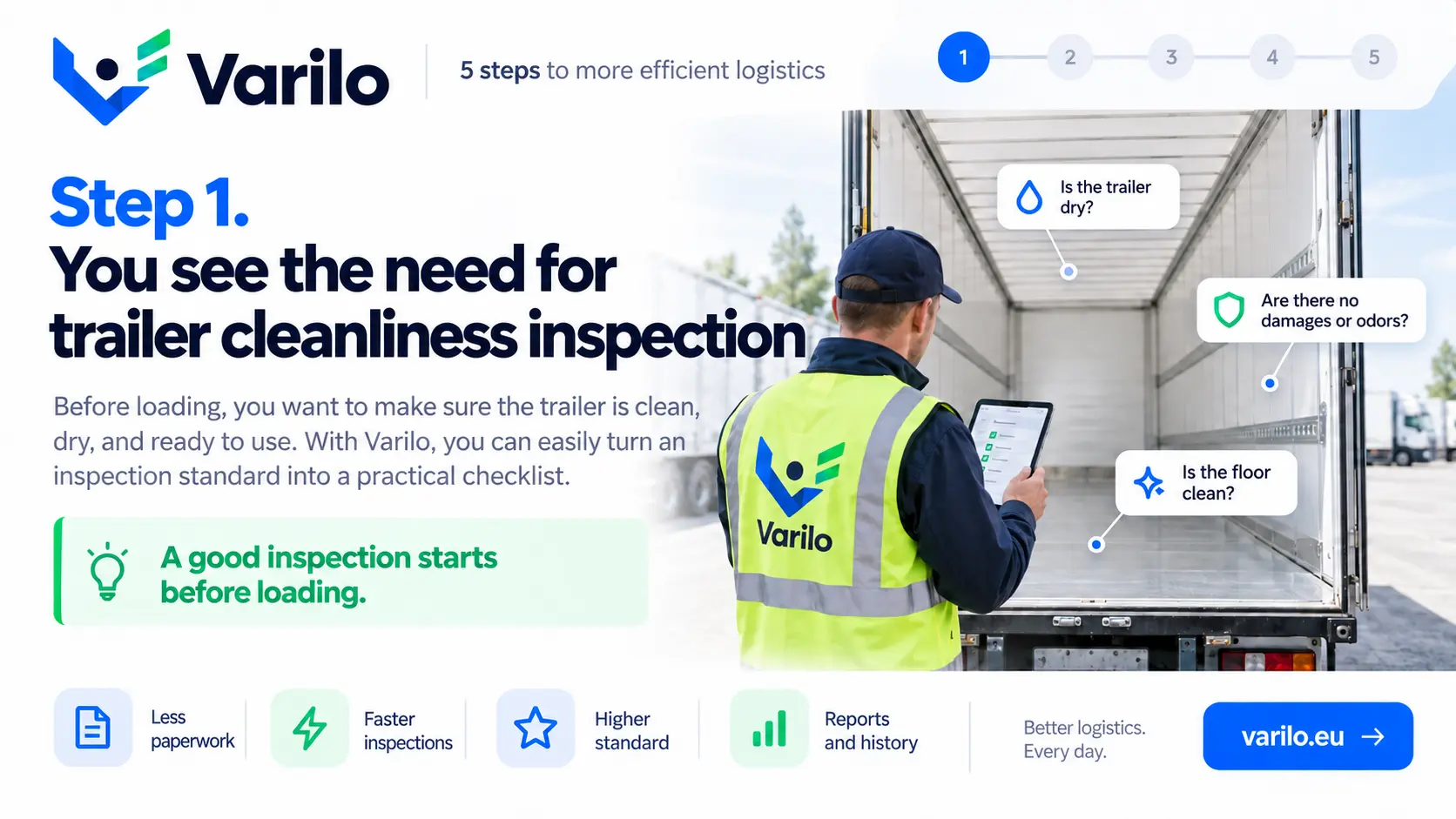
Step 1. You see the need for trailer cleanliness inspection — Varilo checklist

Vehicle inspections without paper cards

Pre-trip checks, trailer inspections and load reviews usually end up on a sheet of paper that still has to reach the office.

When someone asks about the condition of a vehicle last week, finding the document is hard.

Varilo lets you run those checks on a phone and keep the results in one place.

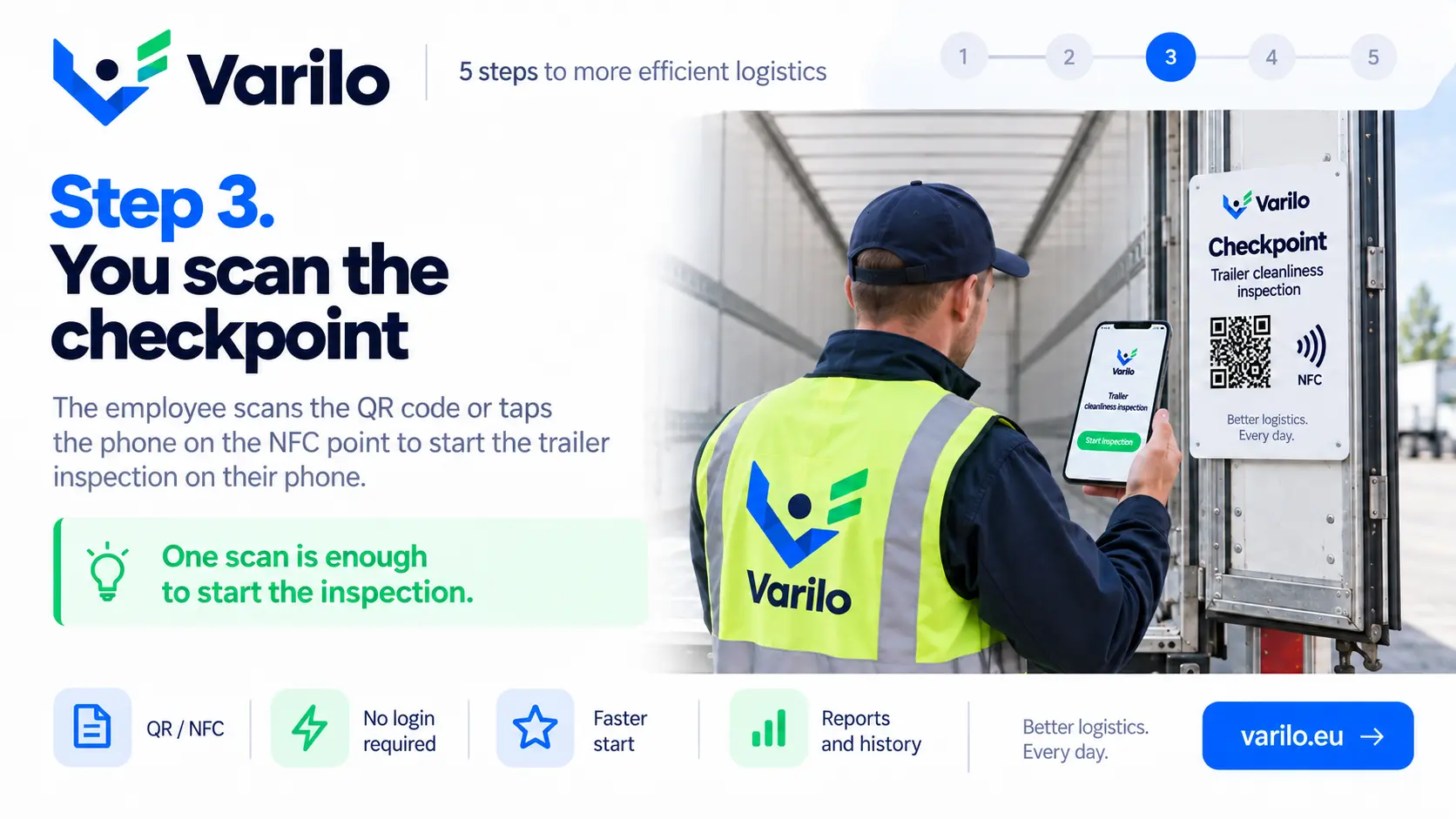
A QR code or NFC tag assigned to the vehicle

Every vehicle, trailer or container can carry its own tag placed in the cab or on the body.

The driver scans it and immediately gets the right checklist — no account, no login.

From checklist to report in a few simple steps

This is how a vehicle inspection runs in Varilo.

  1. 1

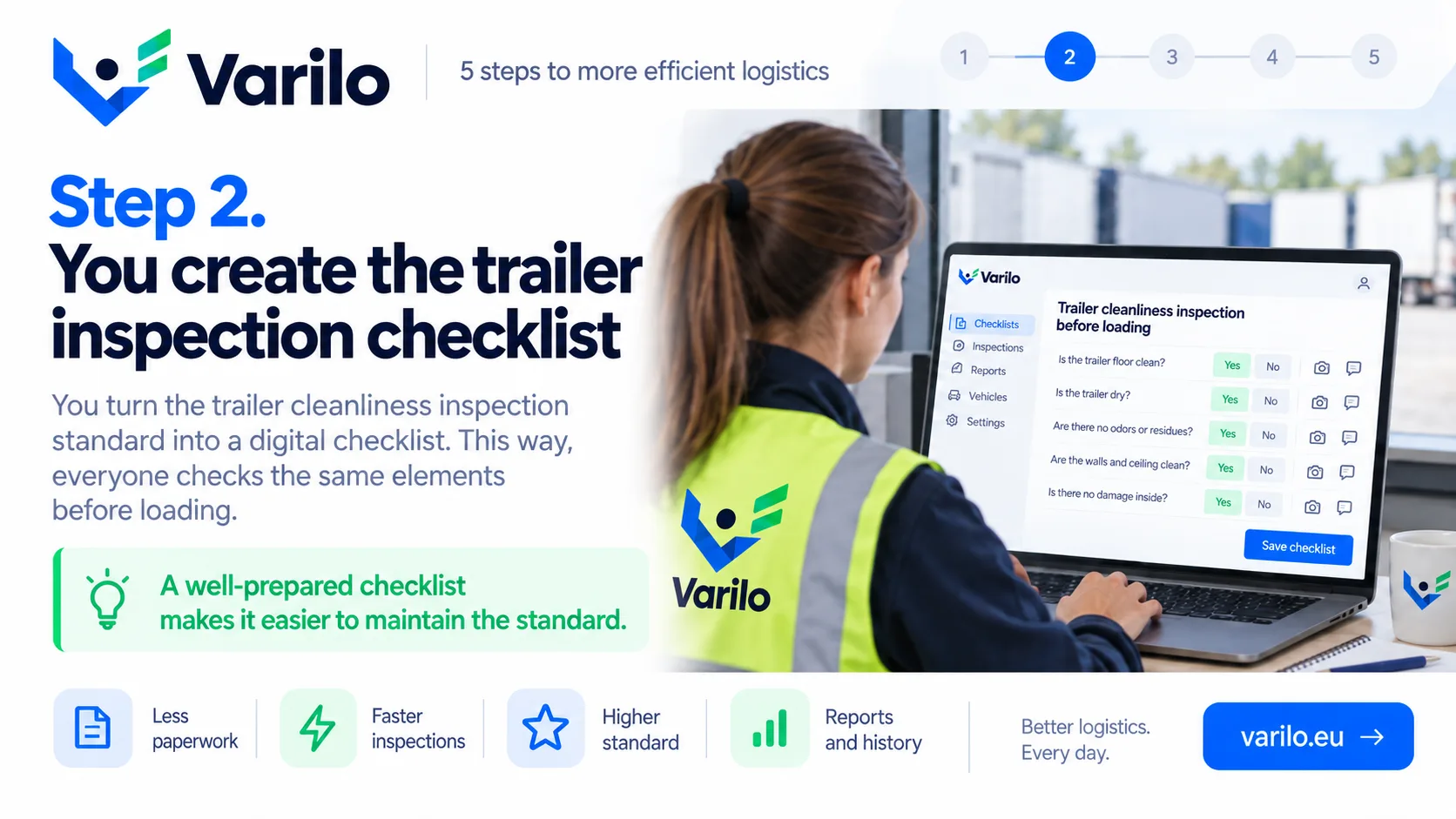
    Create the vehicle checklist

    Prepare the list of points for a truck, trailer, van or yard vehicle.

  2. 2

    Tag the vehicle with QR or NFC

    Place the tag in the cab or at the parking spot so the driver has it at hand.

  3. 3

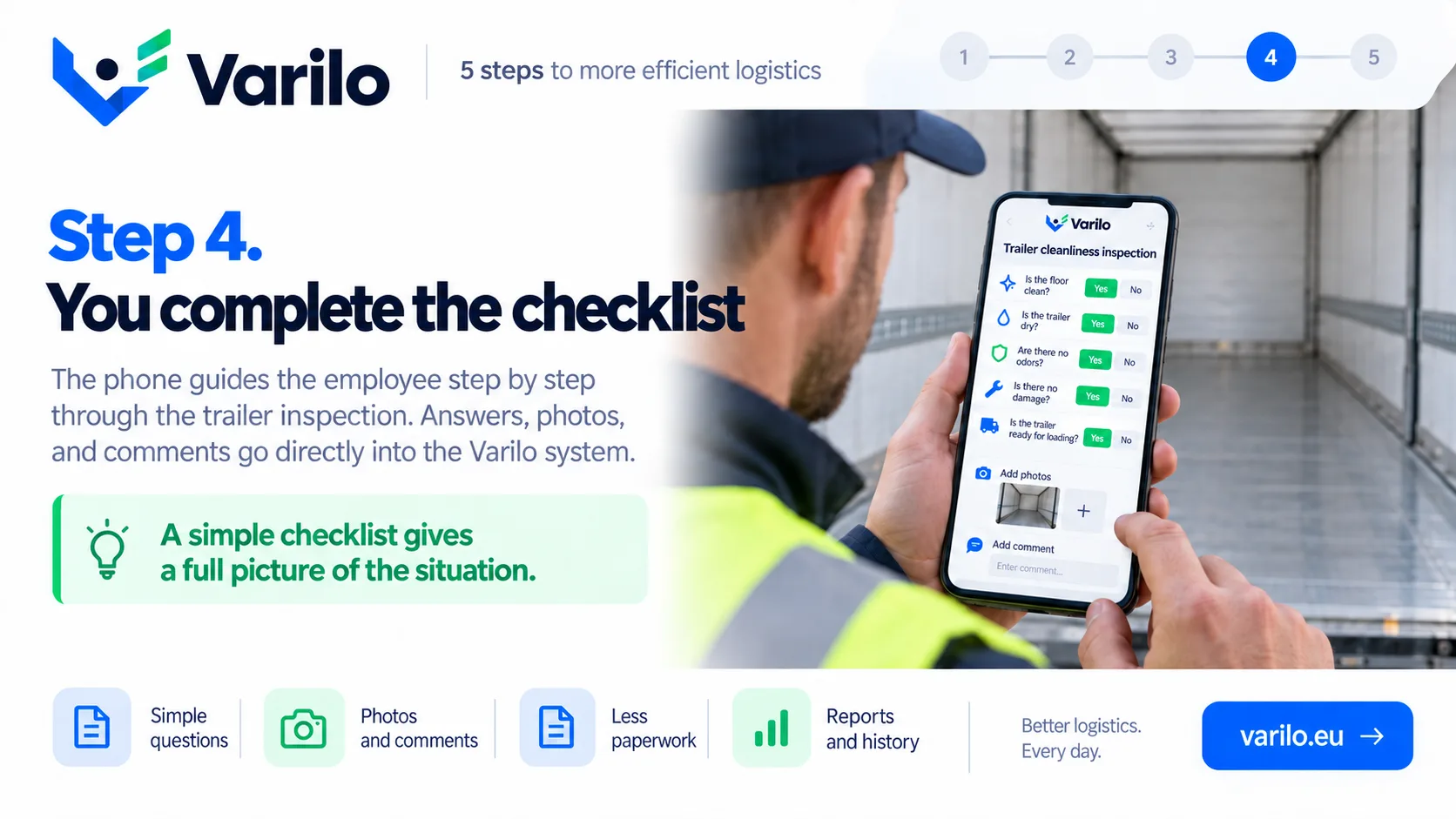
    The driver runs the check

    A scan opens the checklist. Damage photos are attached straight to the answers.

  4. 4

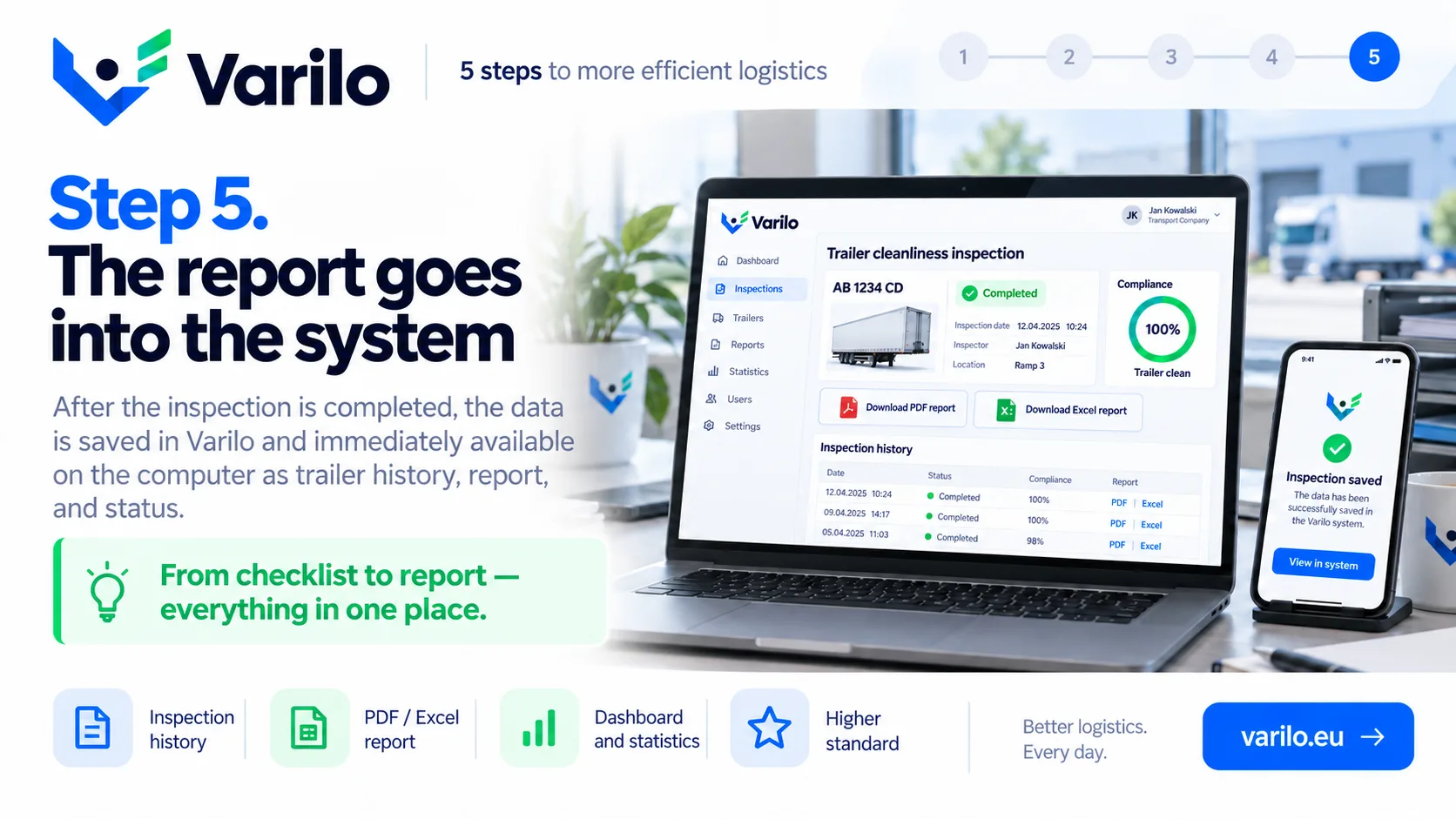
    Analyse the results

    Results and defects build a vehicle history available to dispatch and fleet management.

Typical use cases in transport

Inspections that move easily from paper to a digital checklist.

  • pre-trip vehicle check
  • post-trip vehicle check
  • trailer inspection
  • container inspection
  • load securing
  • vehicle equipment check
  • tyre condition check
  • vehicle cleanliness check
  • refrigeration and temperature check
  • vehicle document check
  • loading dock check
  • vehicle defect report

Everything you need to run inspections

Digital checklists

Create and edit checklists that match your own processes.

QR and NFC

Launch the right checklist directly at the inspected place or piece of equipment.

Inspections without login

Workers do not need their own account to complete a shared inspection.

Findings

Document issues found during an inspection and keep their history.

Documentation

Keep inspection results in one place instead of binders and scattered files.

Reports and statistics

See how many inspections were done, their results and recurring issues.

Fleet data in one place

Reports and statistics show how fleet inspections are going:

  • number of inspections in a chosen period,
  • vehicles with the most reported defects,
  • history of a specific vehicle or trailer,
  • damage photos attached to the inspection,
  • time and place of each check.

Start with one vehicle

Prepare a checklist for a single vehicle, tag it and see what an inspection looks like without a paper card.

FAQ – Varilo in transport and logistics

Does the driver need a Varilo account?
No. A check shared through a QR code or NFC tag runs without an account or login.
Does it work without network coverage?
Yes. Answers are stored on the phone and sent once the connection is back.
Can a damage photo be added?
Yes. Every answer can carry a photo and a comment.
Is the history of a specific vehicle visible?
Yes. Each check builds the history assigned to that tag and vehicle.
Does Varilo replace a statutory vehicle inspection?
No. Varilo documents day-to-day checks; it does not replace inspections required by law.

Sample checklists

Ready-made inspection templates you can start from.

Logistics and transport

Pre-trip vehicle inspection

Daily vehicle check before driving: tyres, lights, fluids, brakes, mandatory equipment and documents.

14 check points

View checklist
All checklists

Ready to leave paper checklists behind?

Create inspections, share them via QR or NFC and analyse the results in one place.

No paperwork. No worker accounts. From checklist to report in one place.