

Checklists and inspections for hotels

Organise checks of rooms, public areas and back-of-house. Staff scan a QR code or NFC tag at the room or zone and complete the checklist on a phone.

The manager sees completed checks and reported defects without collecting notes at reception.

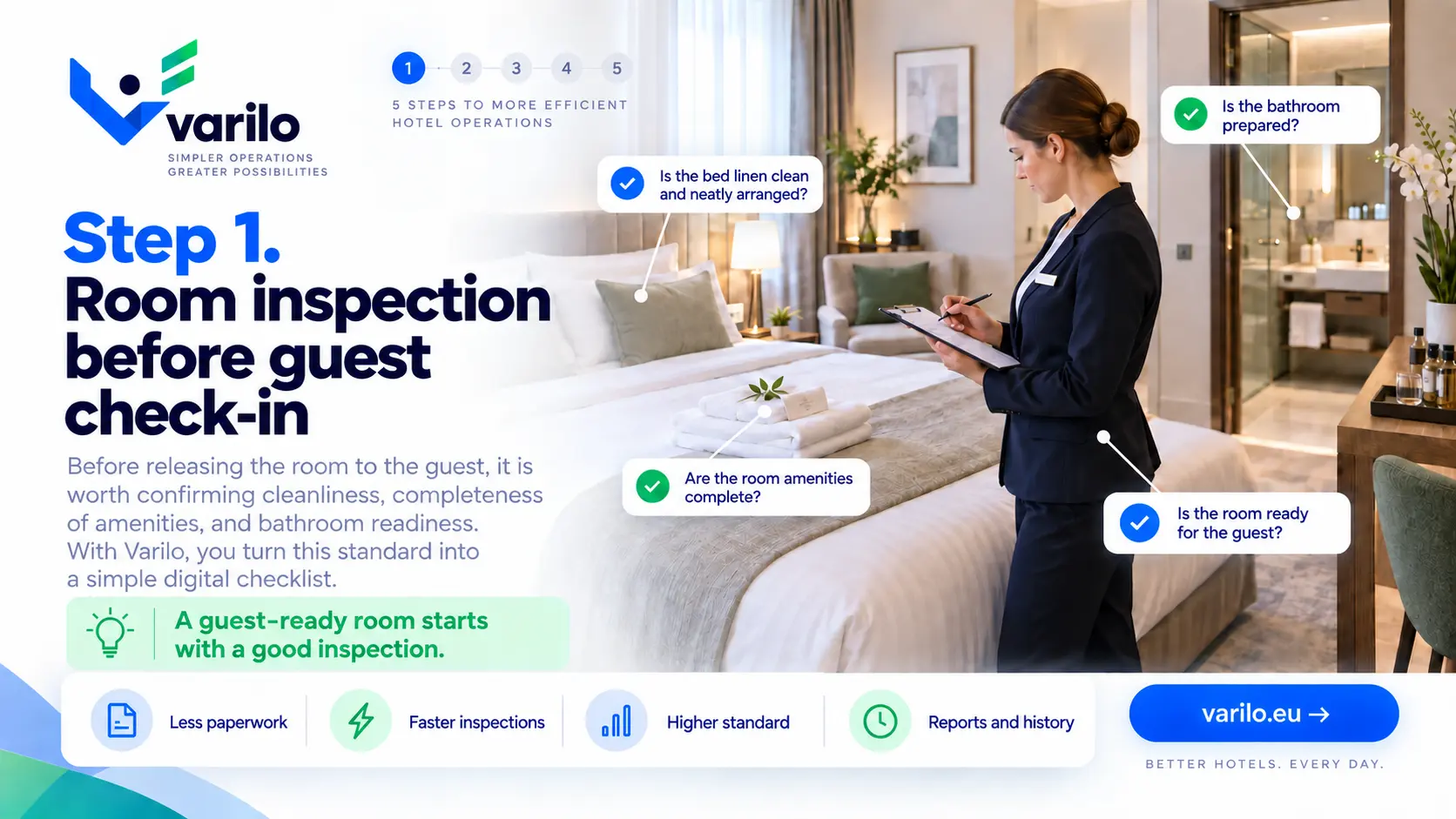
Step 1. Room inspection before guest check-in — you see the need for a hotel room check

Housekeeping checks without paper lists

Daily checks of rooms, bathrooms and public areas usually go onto printouts that end up in a binder.

Reported defects travel through a separate channel and are easily lost.

Varilo joins the checklist and the defect report in one place.

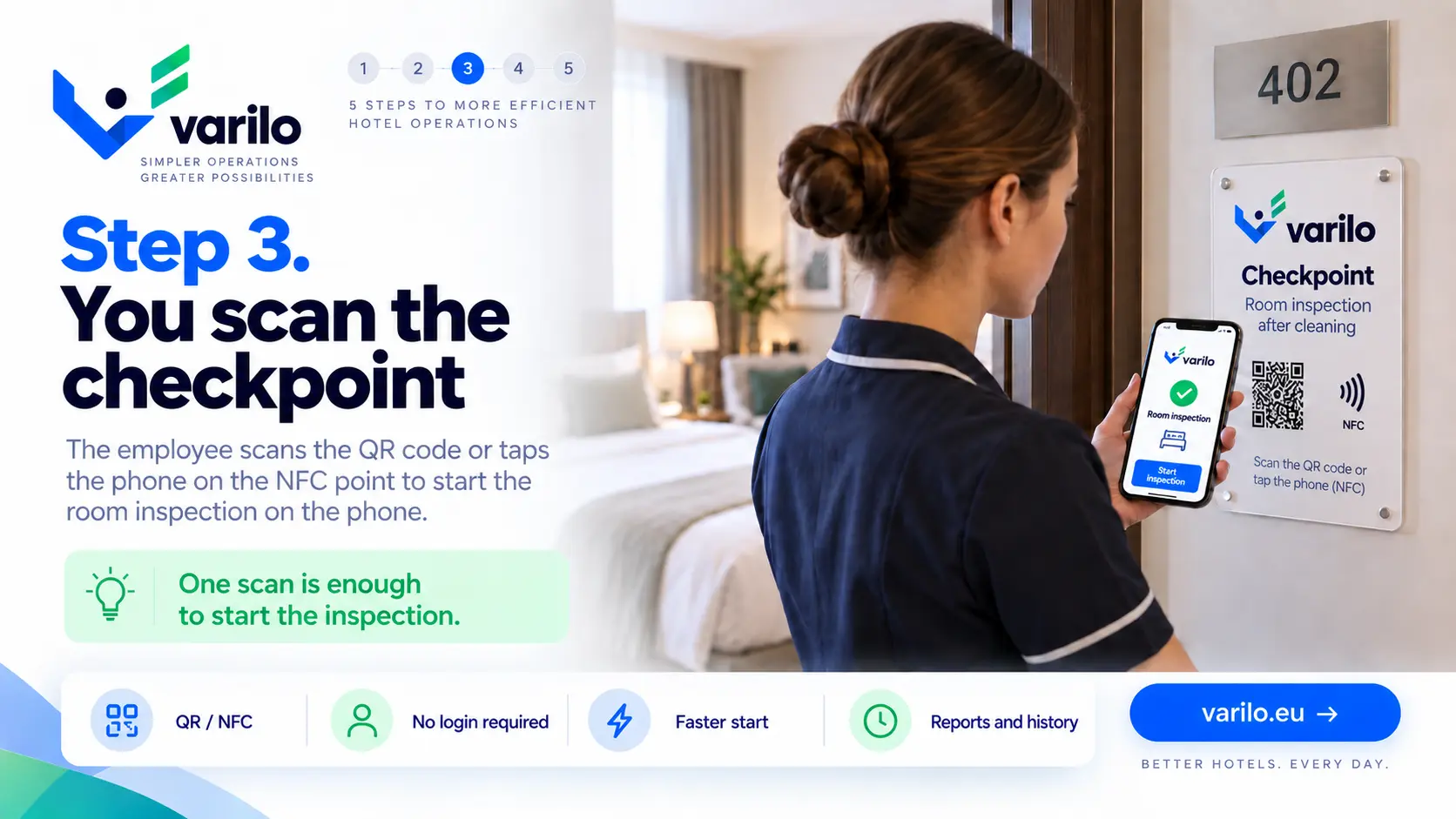
A QR code or NFC tag at the room or zone

Place the tag in a room, a plant room, by the pool or in the kitchen area.

Staff scan it and complete the right checklist without creating an account.

From checklist to report in a few simple steps

This is how an inspection runs in a hotel.

  1. 1

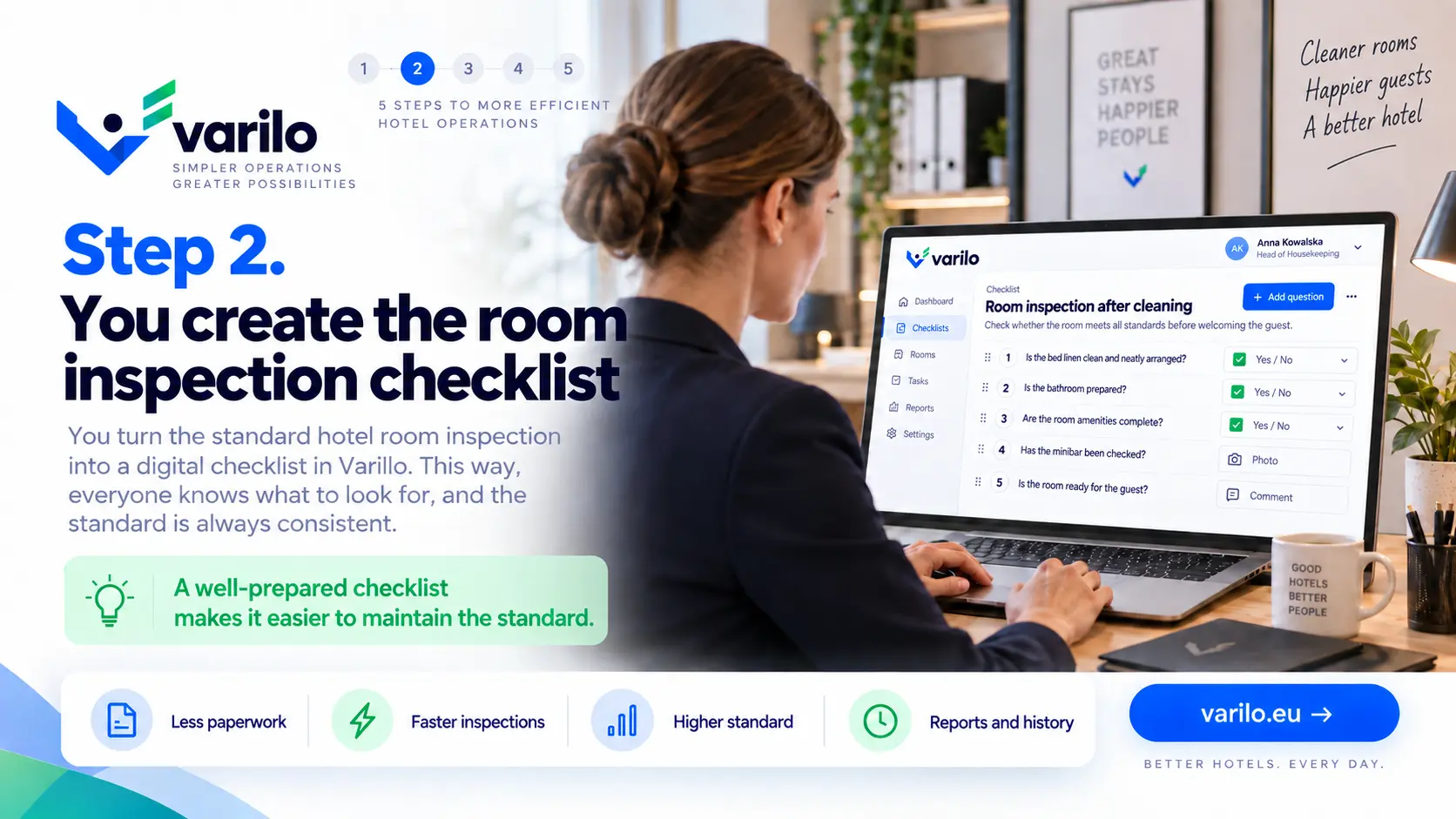
    Create the room or zone checklist

    Prepare points for housekeeping, public areas or a technical round.

  2. 2

    Tag the location

    Place a QR code or NFC tag in the room or space being checked.

  3. 3

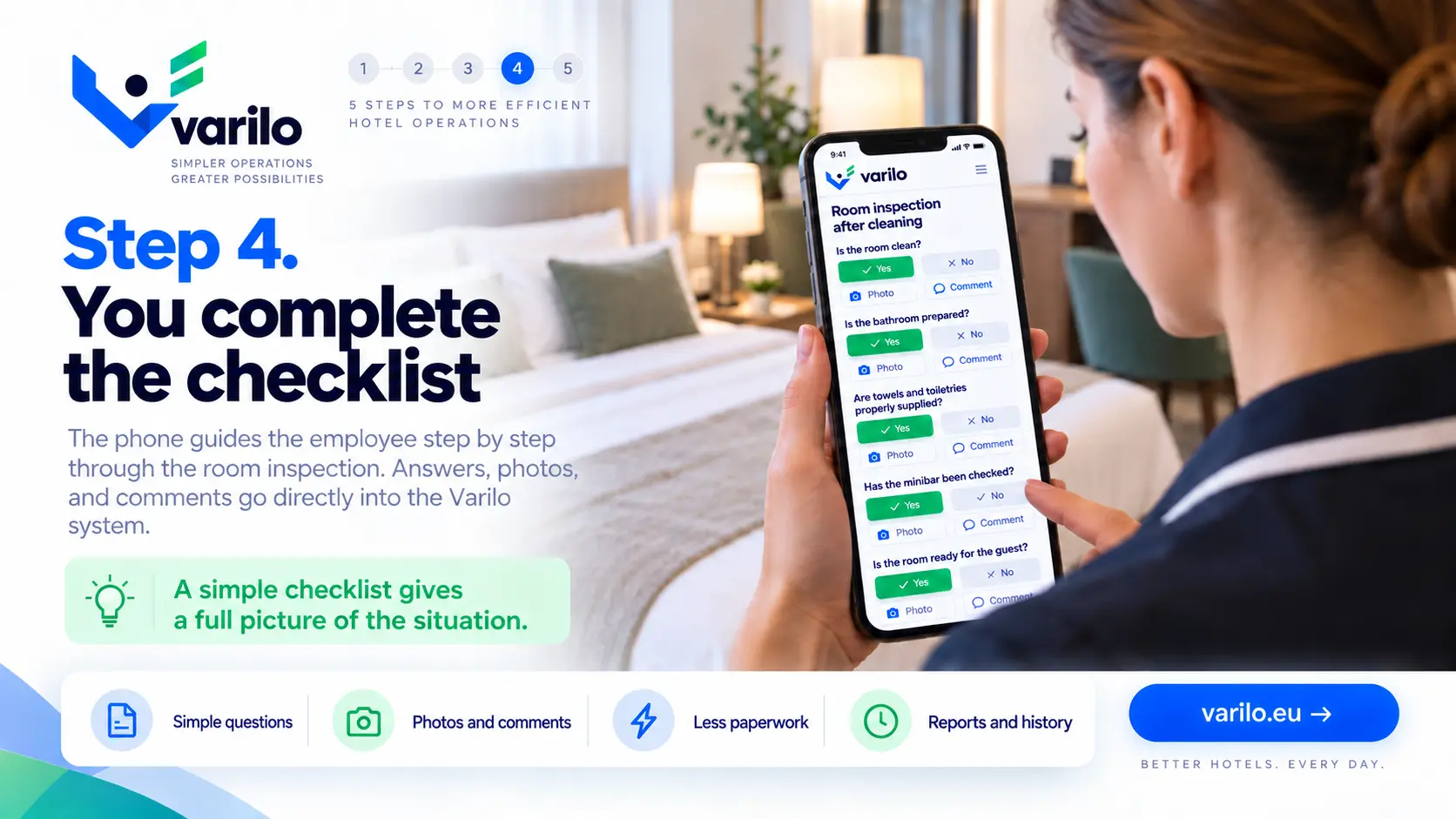
    Staff run the check

    A scan opens the checklist and a defect can be documented with a photo straight away.

  4. 4

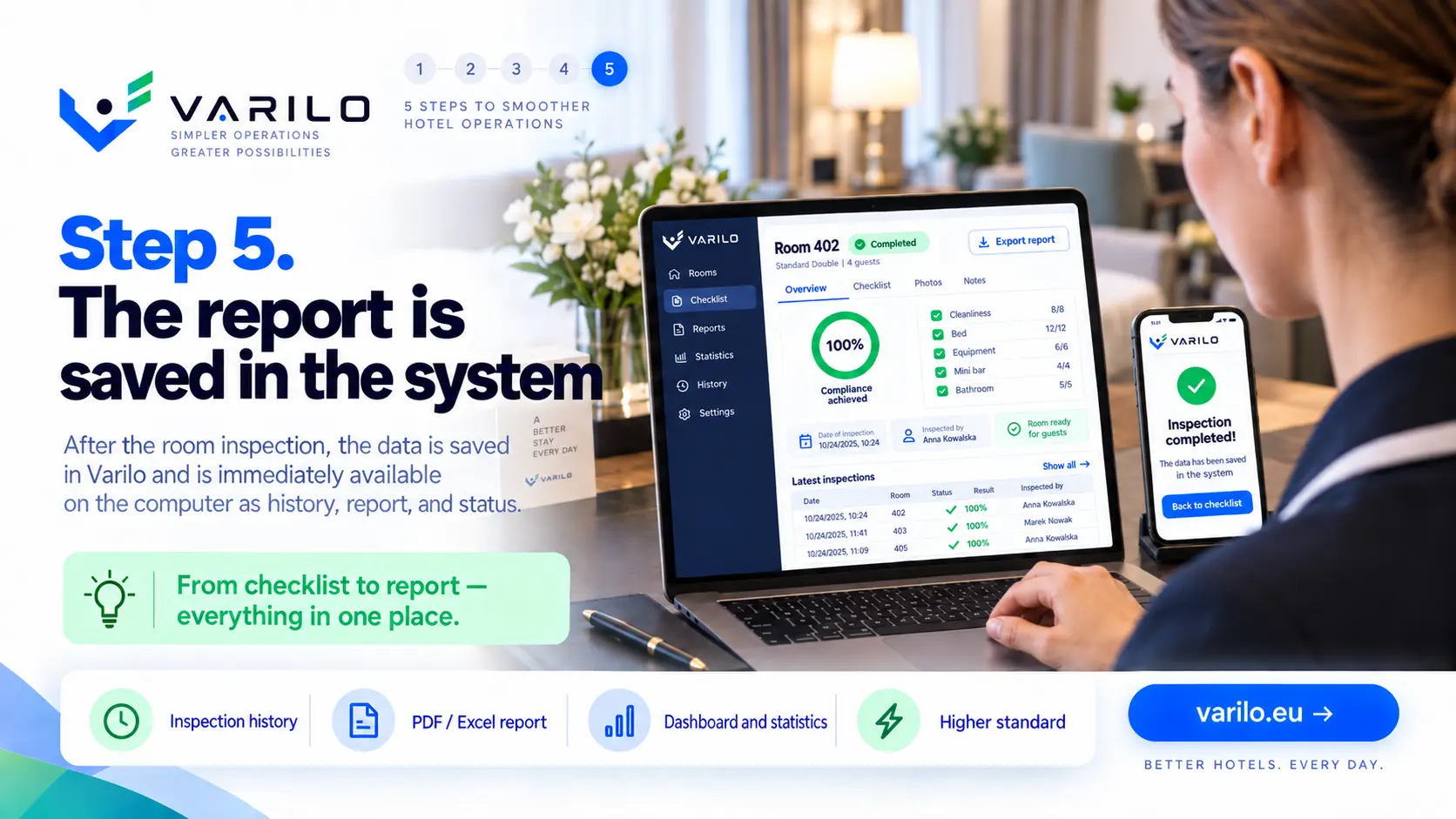
    Analyse the results

    Results, defects and room history stay available to the property manager.

Typical hotel use cases

Checks that run easily on a digital checklist.

  • room check after cleaning
  • housekeeping checklist
  • public area check
  • kitchen area check
  • technical round of the property
  • pool and spa check
  • conference room check
  • escape route check
  • shift opening and closing
  • laundry check
  • in-room supplies check
  • room defect report

Everything you need to run inspections

Digital checklists

Create and edit checklists that match your own processes.

QR and NFC

Launch the right checklist directly at the inspected place or piece of equipment.

Inspections without login

Workers do not need their own account to complete a shared inspection.

Findings

Document issues found during an inspection and keep their history.

Documentation

Keep inspection results in one place instead of binders and scattered files.

Reports and statistics

See how many inspections were done, their results and recurring issues.

Property results in one place

Reports and statistics show how checks run across the property:

  • number of checks in a chosen period,
  • rooms and zones with recurring defects,
  • history of a specific room,
  • photos attached to reports,
  • time and outcome of each check.

Start with one floor

Tag the rooms on a single floor and review the report after the first day of checks.

FAQ – Varilo in hotels

Does housekeeping staff need an account?
No. A shared check runs after scanning the QR code or NFC tag.
Is the check available in several languages?
Yes. The interface and checklist content are available in Polish, English and Dutch.
Can a defect be reported with a photo?
Yes. Each answer can include a photo and a comment.
Can a tag belong to a specific room?
Yes. Every tag keeps its own inspection history.
Will the manager see when a check was done?
Yes. Every result carries the date and time.

See also how Varilo supports

Sample checklists

Ready-made inspection templates you can start from.

Hotels

Hotel room inspection

Room check after cleaning: cleanliness, bathroom, linen, amenities, equipment and readiness for the guest.

13 check points

View checklist
All checklists

Ready to leave paper checklists behind?

Create inspections, share them via QR or NFC and analyse the results in one place.

No paperwork. No worker accounts. From checklist to report in one place.