

Fire safety checklists and rounds

Run day-to-day fire safety checks on a phone. Staff scan a QR code or NFC tag at an extinguisher, hydrant or emergency exit and save the result of the round.

The history of every point stays in one system.

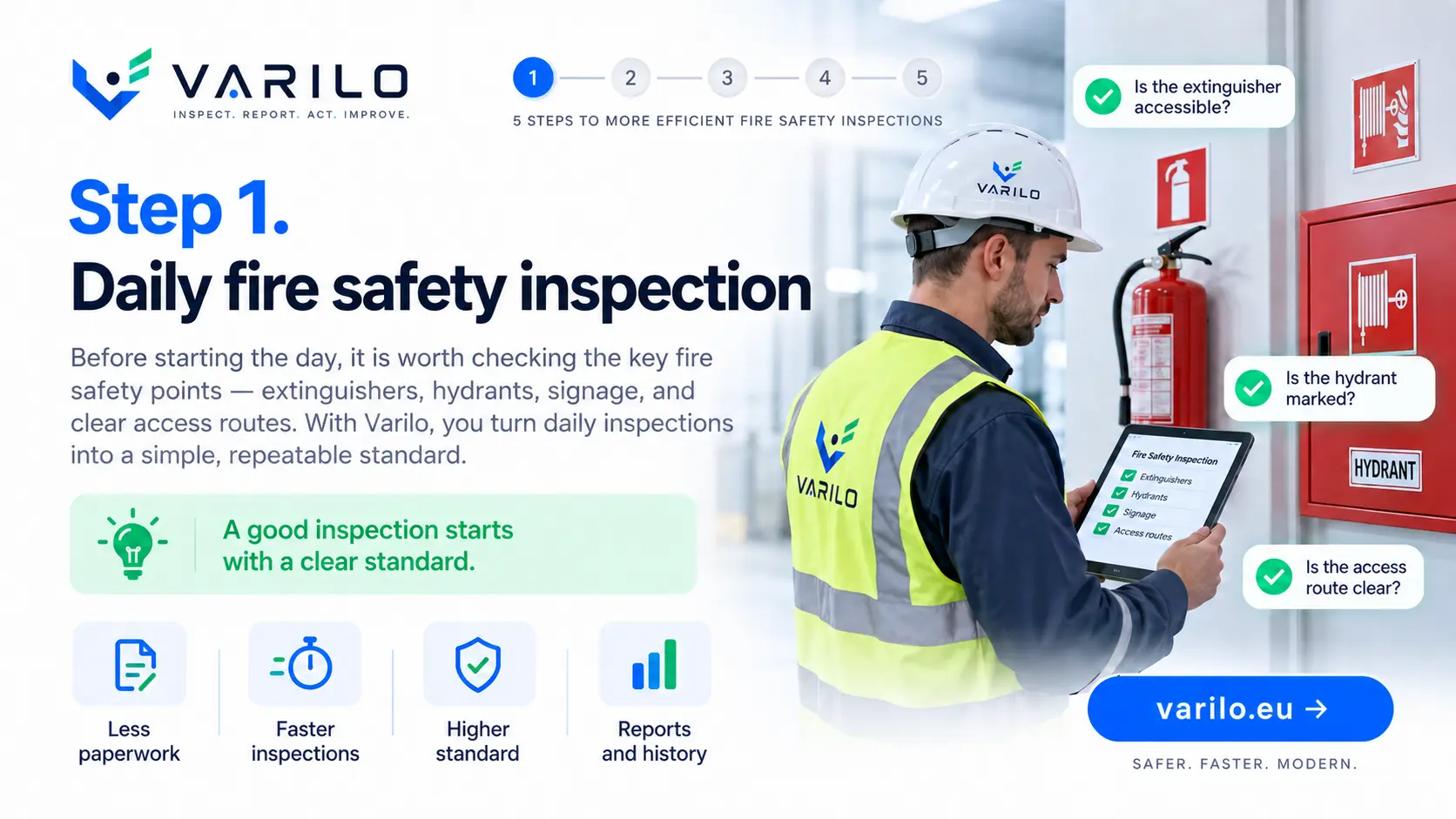
Step 1. Daily fire safety inspection — extinguishers, hydrants, signage and clear access routes

Day-to-day fire checks without paper cards

Inspection cards on extinguishers and hydrants are easily damaged, and collecting them across a building takes time.

It is also hard to answer quickly when a point was last checked.

Varilo lets you run the round digitally and keep the full history.

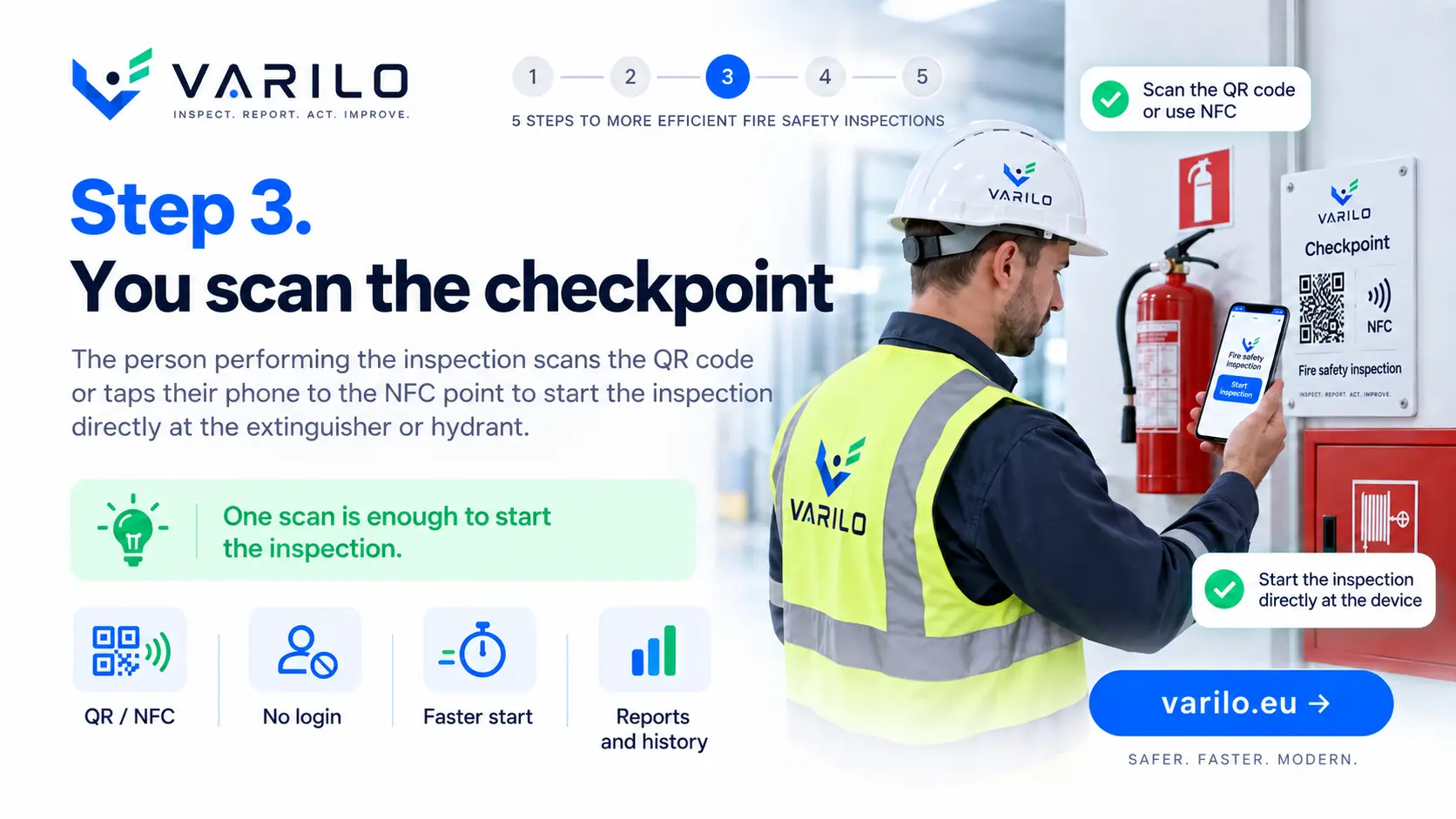
A QR code or NFC tag at the inspection point

Every extinguisher, hydrant, damper or emergency exit can carry its own tag.

Staff tap the tag or scan the code and immediately run the right set of questions.

From checklist to report in a few simple steps

This is how a fire safety round runs in Varilo.

  1. 1

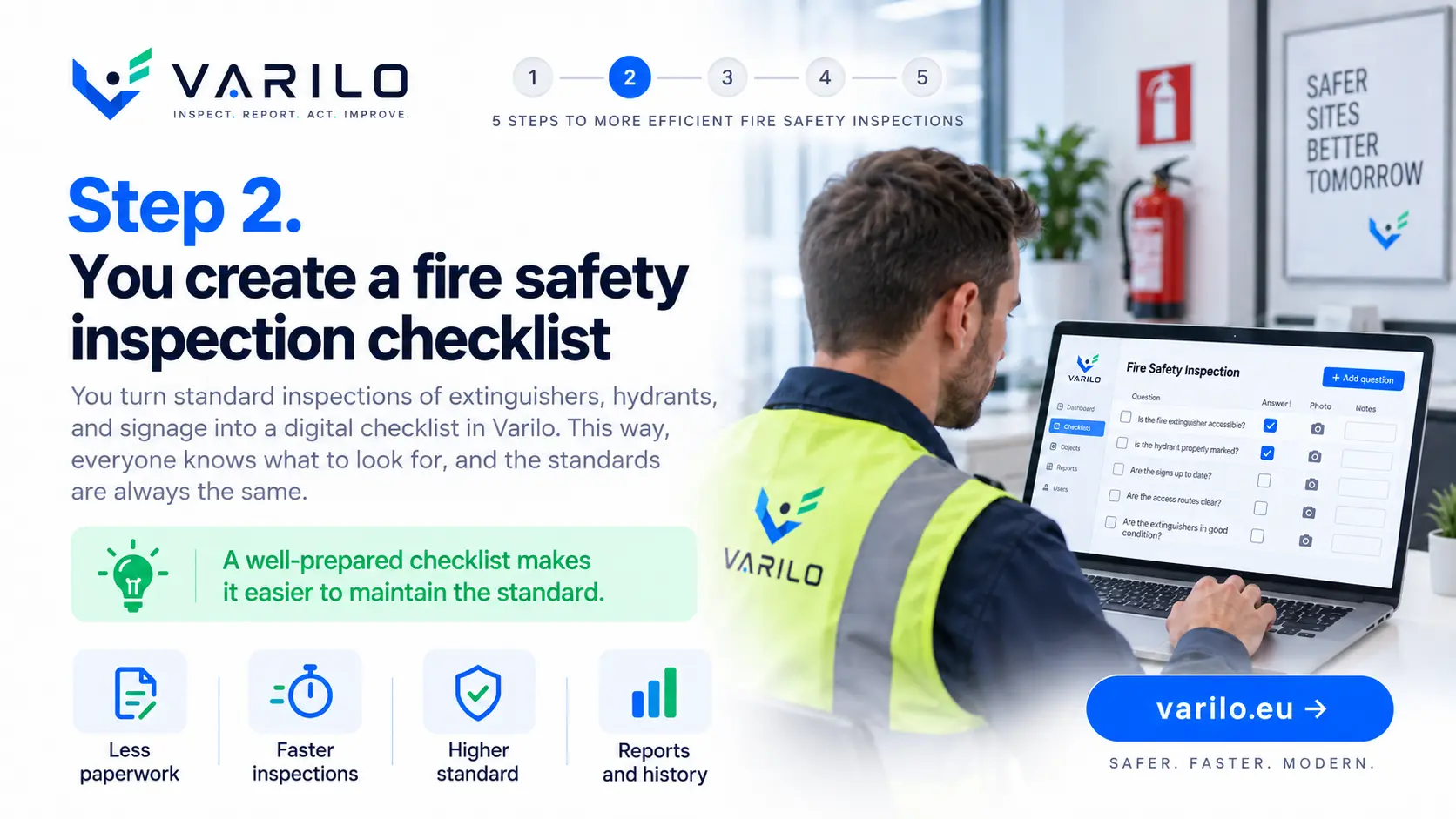
    Create the checklist for the point

    Prepare questions for an extinguisher, hydrant, escape route or zone.

  2. 2

    Tag the round points

    Place a QR code or NFC tag at every item to be checked.

  3. 3

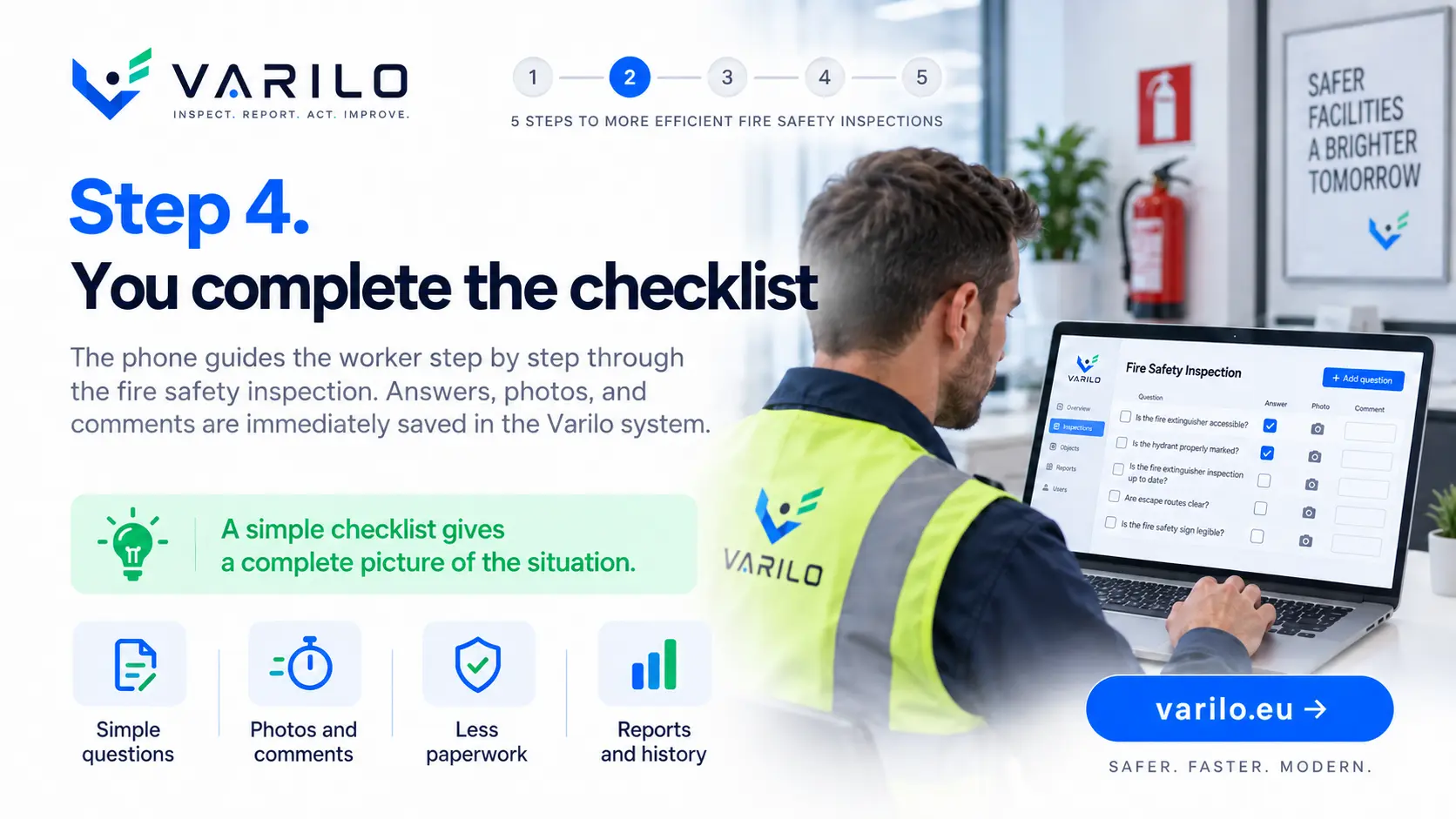
    Run the round

    Staff scan the points one by one and save results on the spot, without logging in.

  4. 4

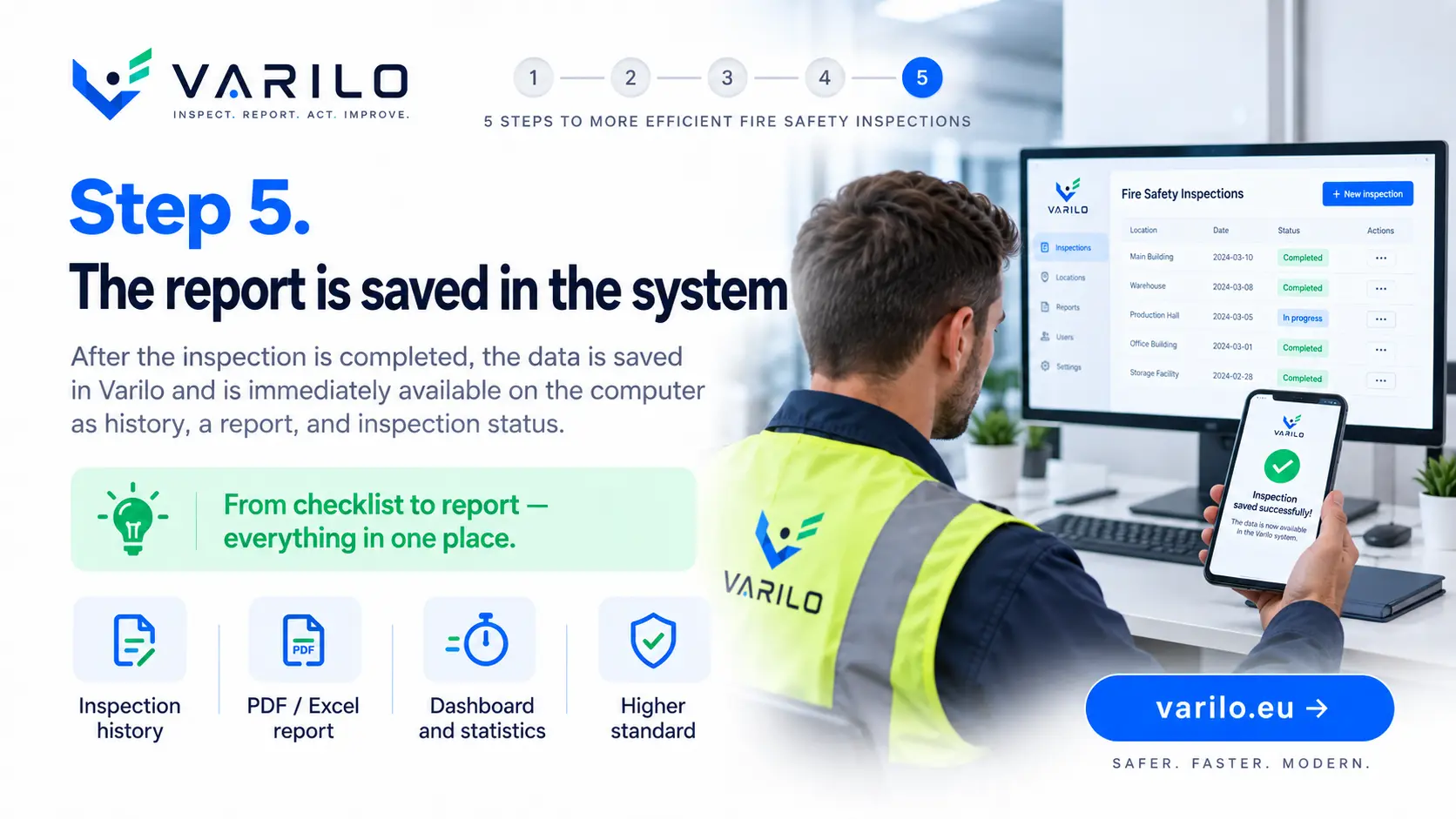
    Analyse the results

    Round results and findings build the history of the property.

Typical fire safety checks

Day-to-day checks that run on a digital checklist.

  • extinguisher check
  • hydrant check
  • escape route check
  • emergency exit check
  • signage check
  • emergency lighting check
  • clear passage check
  • hazard zone check
  • fire safety round of the building
  • check after hot work
  • rescue equipment check
  • fire safety finding report

Everything you need to run inspections

Digital checklists

Create and edit checklists that match your own processes.

QR and NFC

Launch the right checklist directly at the inspected place or piece of equipment.

Inspections without login

Workers do not need their own account to complete a shared inspection.

Findings

Document issues found during an inspection and keep their history.

Documentation

Keep inspection results in one place instead of binders and scattered files.

Reports and statistics

See how many inspections were done, their results and recurring issues.

Round history in one place

Reports and statistics help track day-to-day fire safety checks:

  • number of completed rounds,
  • skipped points with the reason given,
  • history of a specific extinguisher or hydrant,
  • reported findings with photos,
  • time and place of each check.

Start with one zone

Tag the fire safety points in one building and review the report from a complete round.

FAQ – Varilo in fire safety

Does Varilo replace statutory extinguisher servicing?
No. Varilo documents day-to-day checks; servicing that requires qualifications is done by an authorised person or company.
Can a round cover many points?
Yes. One round can include many points with separate tags and a shared report.
Is a skipped point visible in the report?
Yes. Skipping a point requires a reason, which is saved in the report.
Can NFC tags be programmed in-house?
Yes. Tags are programmed directly from the app on an Android phone.
Does the worker need an account?
No. A shared check runs after scanning the code.

See also how Varilo supports

Sample checklists

Ready-made inspection templates you can start from.

Fire safety

Fire safety equipment check

Check of access to and condition of fire safety equipment: extinguishers, hydrants, signage, escape routes and emergency lighting.

13 check points

View checklist
All checklists

Ready to leave paper checklists behind?

Create inspections, share them via QR or NFC and analyse the results in one place.

No paperwork. No worker accounts. From checklist to report in one place.