

Building patrol checklist
A sample checklist for the daily patrol of a building by technical services or facility management. It covers common areas, plant rooms, sanitary facilities, lighting, the surroundings and security.
Technicians, maintenance staff and building managers use it. The patrol catches a fault before a user reports it.
- Category
- Facility management
- Used for
- office building, public building, managed property
- Number of points
- 14
- Suggested frequency
- daily or according to the patrol schedule
Check points
Sample inspection questions with possible answers. This is a template — in Varilo you turn it into your own live checklist.
1.Are the entrances, lobby and common areas clean and tidy?
YesNoN/A2.Does the lighting in common areas work?
YesNoN/A3.Do the lifts operate correctly without fault signals?
YesNoN/A4.Are the staircases and corridors clear?
YesNoN/A5.Are the sanitary facilities working, clean and stocked?
YesNoN/A6.Are there any signs of damp or leaks?
YesNoN/A7.Are the plant rooms locked and accessible only to authorised staff?
YesNoN/A8.Does the equipment in the plant rooms run without alarms?
YesNoN/A9.Are the heating and ventilation parameters correct?
YesNoN/A10.Are the fire equipment and escape routes accessible?
YesNoN/A11.Do the CCTV and access control work?
YesNoN/A12.Is the area around the building clear and the surface safe?
YesNoN/A13.Is waste collected and the waste room kept in order?
YesNoN/A14.Have previously reported faults been fixed?
YesNoN/A
Move this checklist into Varilo
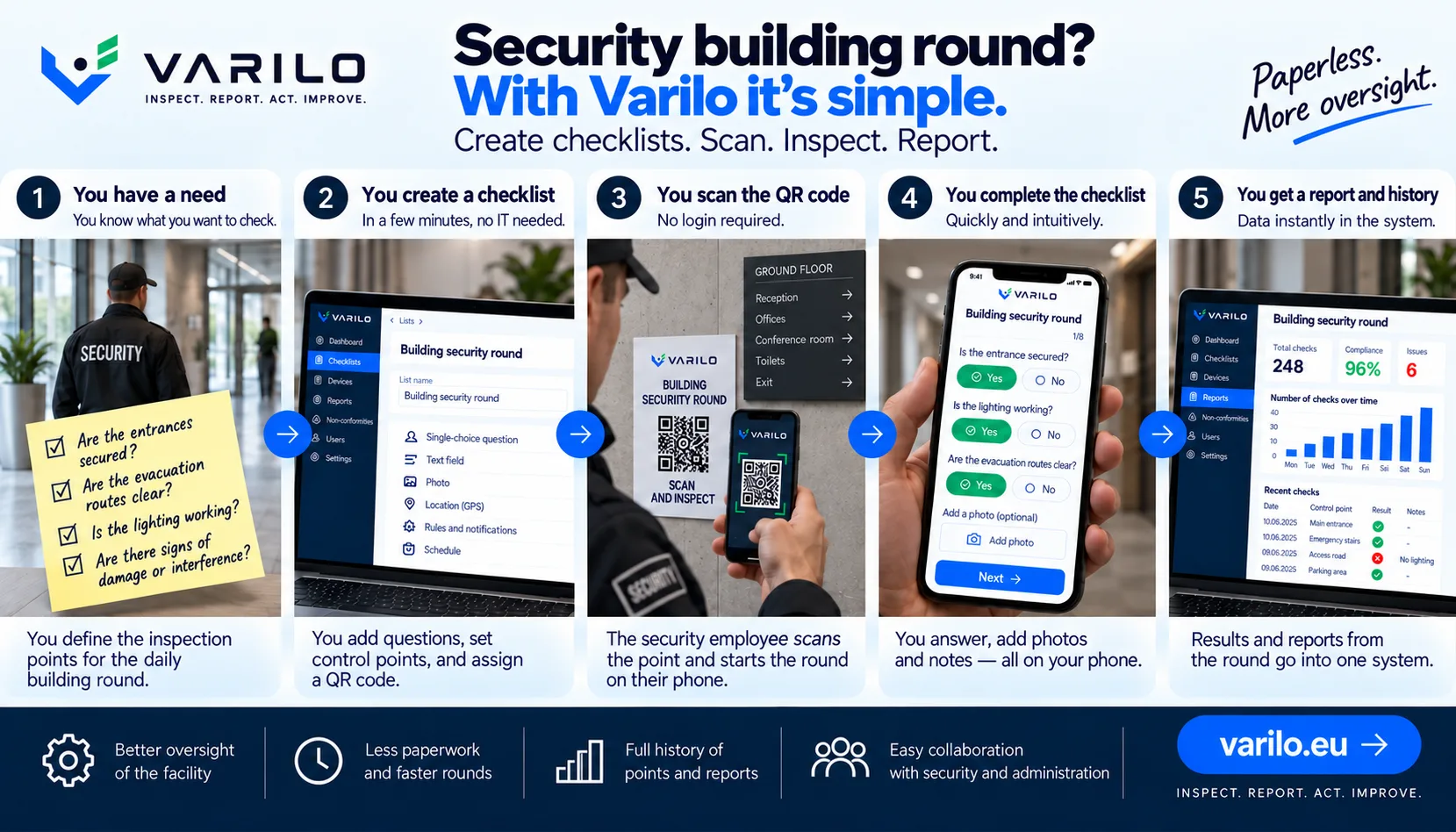
A paper checklist is only the beginning. In Varilo you can build your own version, assign it to a place, machine, vehicle or device and share it through a QR code or NFC tag.
The employee scans the code with a phone, completes the inspection and the results go straight into the system. You can track completed inspections, findings, reports and statistics without retyping paper forms.
Build the checklist
Assign QR or NFC
Run the inspection
Get the report
What does a building patrol cover?
The patrol combines several areas: appearance and cleanliness of common parts, condition of installations, security and the surroundings. It is about spotting changes quickly, not full diagnostics.
The scope depends on the building. In an office block, lifts, air conditioning and washrooms matter; in a warehouse property — gates, docks and external lighting.
Patrols with check points
It is easiest to split the patrol into points: entrance, floors, plant rooms, outside area. Each point has its own short set of questions.
This also makes the patrol accountable — you see which points were visited and at what time.
A digital patrol in Varilo
Points can be marked with QR codes or NFC tags. The technician taps the phone, answers the questions and attaches a photo of the fault.
Everything is saved as one patrol report, with a summary of visited points and a list of items to fix.
Use in your industry
See how companies in this industry run inspections in Varilo — from a single checklist to regular patrols.
Facility management — Go to the industry page