

Patrols with checkpoints
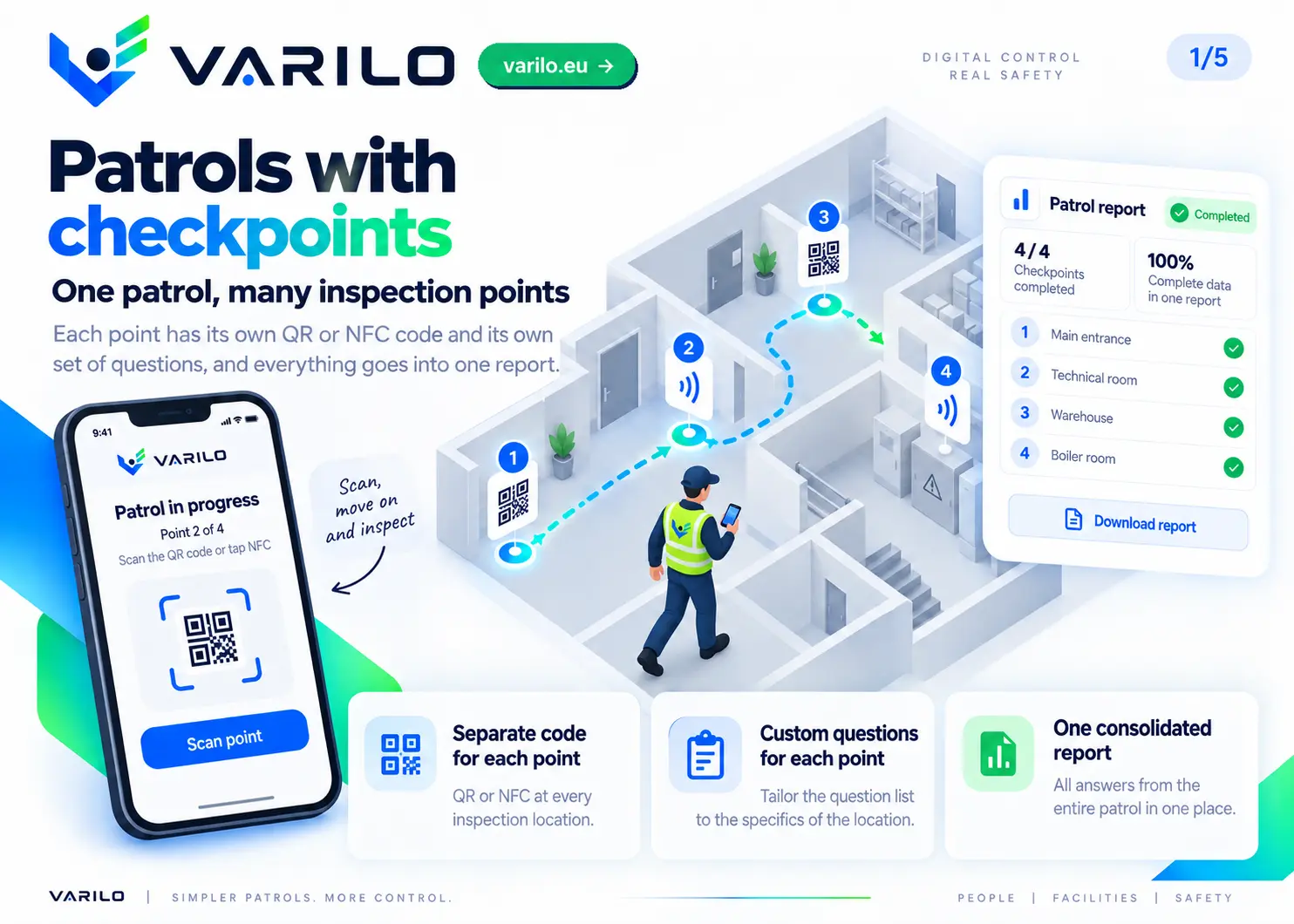
One patrol, many places. Every checkpoint has its own QR code and its own set of questions, and everything lands in one report.
A digital patrol control system
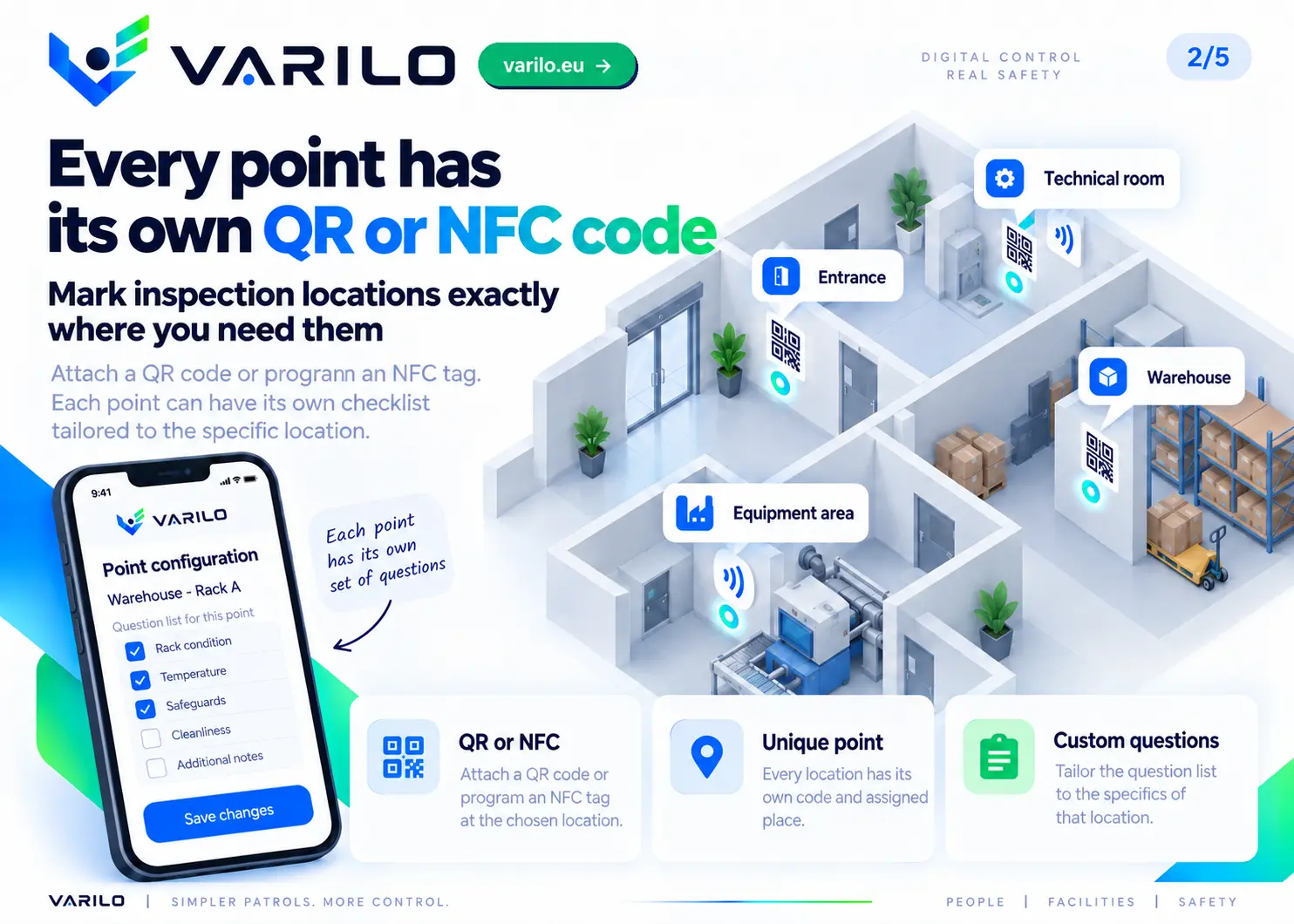
Varilo replaces paper patrol cards with a digital system based on QR codes and NFC tags. You can place checkpoints at machines, installations, entrances, plant rooms, across a warehouse or anywhere that should be checked during a patrol.
Every checkpoint can carry its own checklist matched to the place and the type of check. The worker scans the QR code or taps the phone on the NFC tag, performs the assigned tasks and saves the result straight on the phone.
No special reader is needed. A phone is enough, and the person carrying out the check does not need a Varilo account or a login.
How does a patrol with QR and NFC checkpoints work?
- 1
You create the patrol route
You choose the places, devices or areas that should be checked during a regular round.
- 2
You add checkpoints
Each point can get its own QR code or NFC tag and a separate checklist matched to that location.
- 3
The worker runs the patrol
They scan the checkpoints with a phone and complete the assigned checks without signing in.
- 4
Varilo records the results
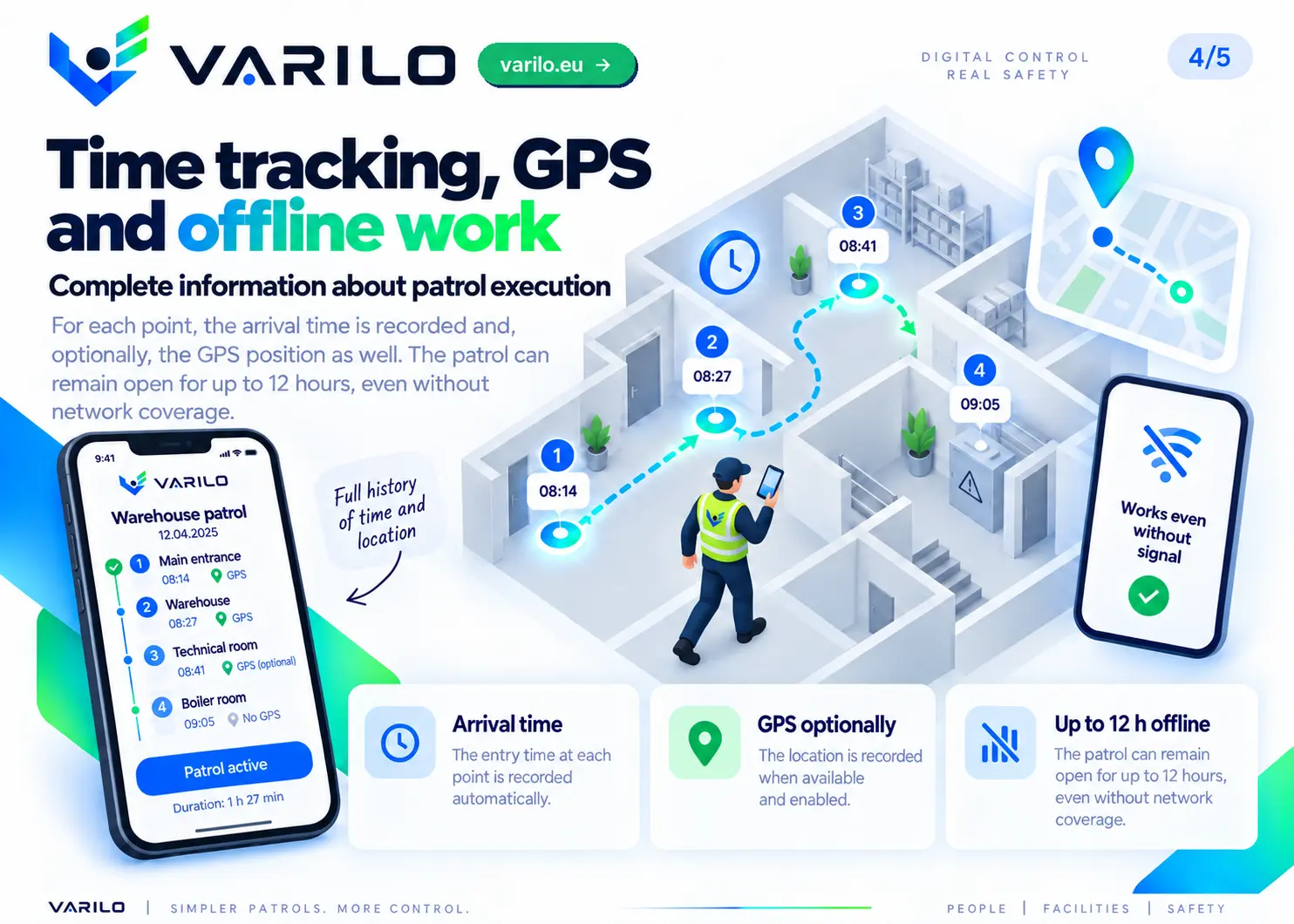
The system logs completed points, answers, the time of the check and — if required — the location.
- 5
One report is created
The results of every point completed during one patrol go into a single shared report.
Where can a patrol control system be used?
Technical patrols and maintenance
During one round a technician can check machines, installations, utility levels, temperatures, leaks and equipment condition. Every point can have its own checklist.
See the use caseFacility management
Regular rounds of buildings, plant rooms, installations, garages, common areas and the surroundings of the site.
See the use caseHealth and safety
Checks of workstations, production areas and places that need regular safety supervision.
See the use caseFire safety
Rounds covering escape routes, hydrants, extinguishers, fire zones and other fire protection equipment.
See the use caseWarehouse
Checks of racking, traffic routes, docks, storage zones and other areas that need regular verification.
See the use caseManufacturing
Rounds of workstations, machines, lines and points that require a recurring check during the shift.
See the use caseThe same patrol mechanism works across many areas of the organisation — without deploying a separate system for every process.
More than confirming presence at a point
Varilo does not reduce a patrol to scanning a QR code or an NFC tag.
On arrival the worker can receive a prepared checklist and confirm the real condition of the place, machine or device.
Depending on the checklist they can record answers, comments and photos — taken with the camera or picked from the gallery, if the checklist allows it.
The report therefore shows not only that the worker reached the point, but also what was checked there and what the result was.
One report for the whole patrol
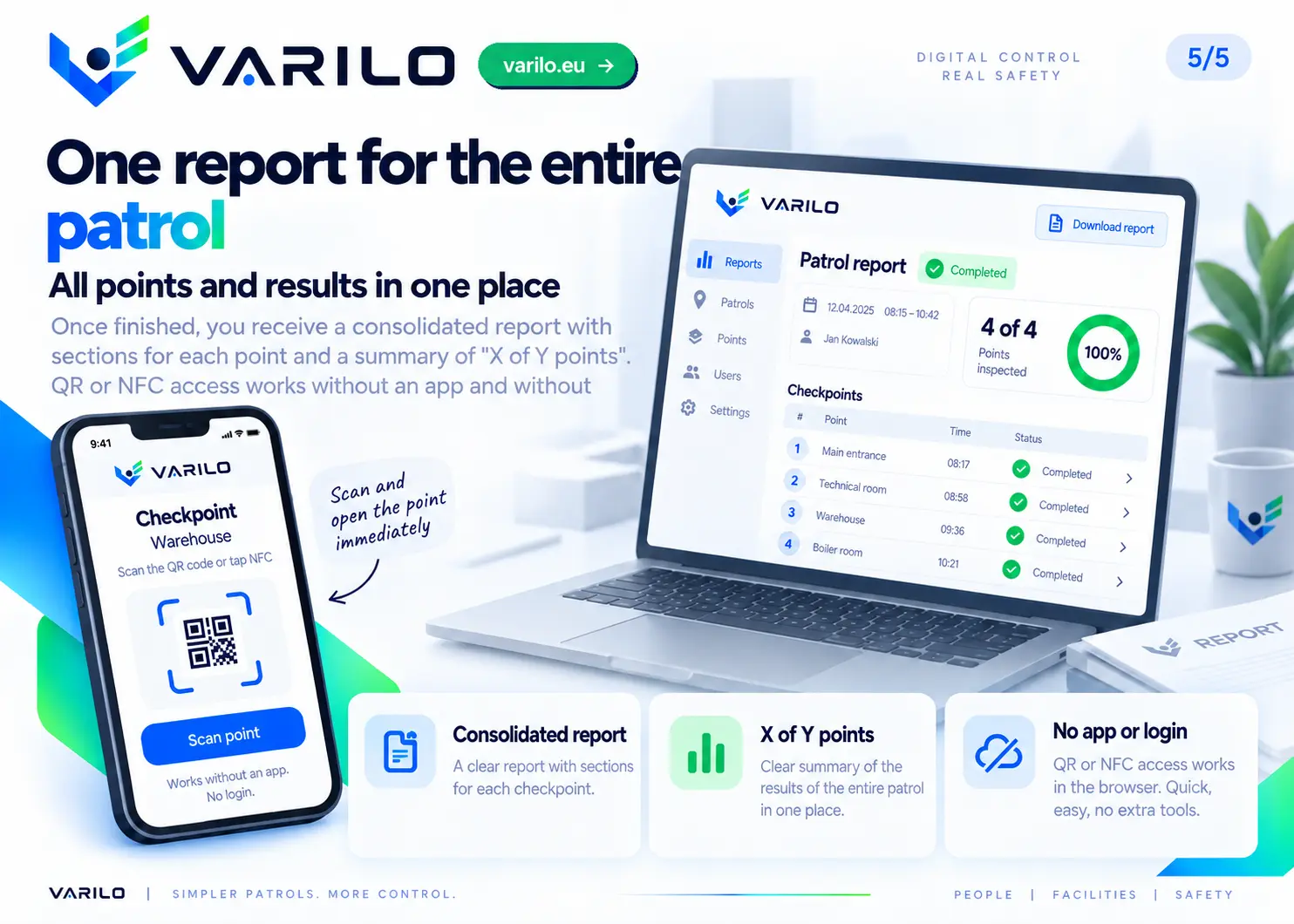
All points completed during one patrol are combined into a shared report.
You can see how many points were done, the results of each checklist and the places that were skipped.
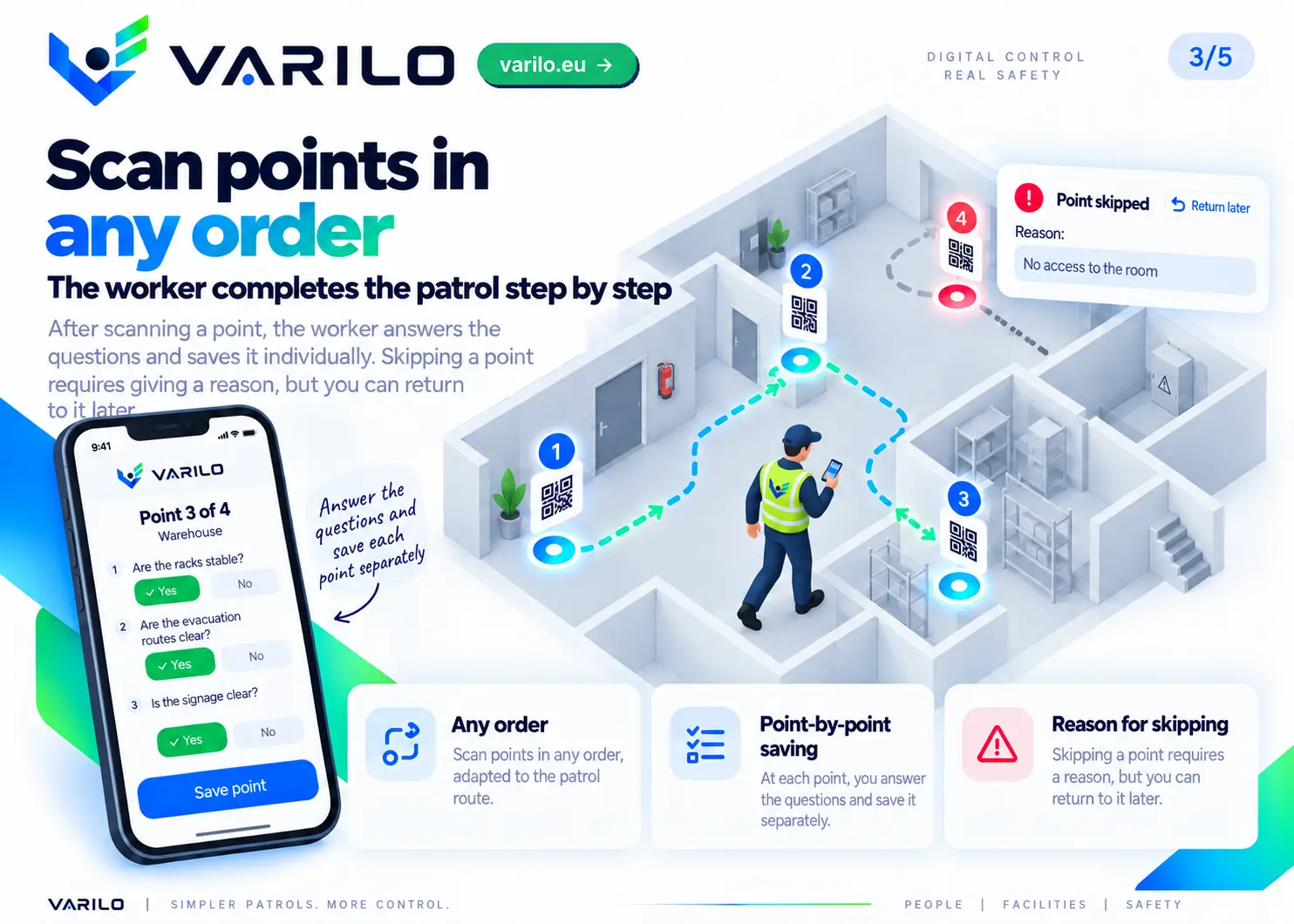
If a point cannot be completed, the worker can give a reason for skipping it and return to it later.
A started patrol stays open for up to 12 hours and works without coverage, so the route can be finished in places with no internet.
This keeps an orderly digital history of patrols without paper cards, retyping information or gathering data from several sources.
Patrols without extra readers
A phone is all you need to run a patrol.
The QR code is scanned with the phone camera and the NFC tag is read by tapping a compatible device.
There is no need for dedicated readers used only for patrols.
The worker also does not need a Varilo account. Scanning a checkpoint opens the inspection assigned to it.
QR or NFC — which one to choose?
QR code
Works well where the checkpoint should be clearly visible and easy to scan with a phone camera. The code can be printed and placed at the location.
NFC tag
Opens the checkpoint by tapping the phone. A convenient option in places where checks happen frequently.
Within one system you can use both QR codes and NFC checkpoints.
Example: a digital building patrol
The worker starts the patrol and checks points placed, for example, at the building entrance, the electrical switchboard, a plant room, a hydrant, the warehouse and the emergency exit.
Each point can carry a different checklist matched to that location.
Once the route is finished, the results are available in a single Varilo report.
See the sample building patrol checklistFrequently asked questions
- A separate QR code for each checkpoint — placed where the check happens.
- The guard scans checkpoints in any order and saves them one by one.
- Skipping a checkpoint requires a reason — you can return and complete it later.
- Arrival time and optional GPS verification for every checkpoint.
- The patrol stays open for up to 12 hours, also without coverage.
- A combined report with per-checkpoint sections and an “X of Y checkpoints” summary.
- Use an NFC tag instead of the QR code — same checkpoint, just tap the phone.
- You program the tag right from the app — on an Android phone with Chrome you assign it the checkpoint link, optionally locking it permanently.
- Reading needs no app and no sign-in — just tap the phone (Android or iPhone) and the checkpoint page opens.