




Digital site inspections and construction checklists

Run site inspections on a phone instead of paper forms. The site manager or foreman scans a QR code or NFC tag and completes the checklist right where the work happens.

Inspection records stay available without collecting sheets from several sites.

Step 1. Daily construction site inspection — a clear standard before work begins

Documentation without collecting paper from the site

A construction site produces many short checks: tools, scaffolding, protections and site organisation.

Forms scatter between sites, vans and the office, and some checks are never recorded at all.

Varilo brings them together with photos and location.

A QR code or NFC tag at the inspection point

Place the tag at the site entrance, on scaffolding, at a machine or in the tool container.

The worker scans it and immediately sees the points to check — without creating an account.

From checklist to report in a few simple steps

This is how an inspection runs on a construction site.

  1. 1

    Create the site checklist

    Prepare questions for the site, scaffolding, equipment or a type of work.

  2. 2

    Tag the inspection point

    Place a QR code or NFC tag where the check applies.

  3. 3

    Run the check on site

    A scan opens the checklist and photos of findings are attached right away.

  4. 4

    Analyse the results

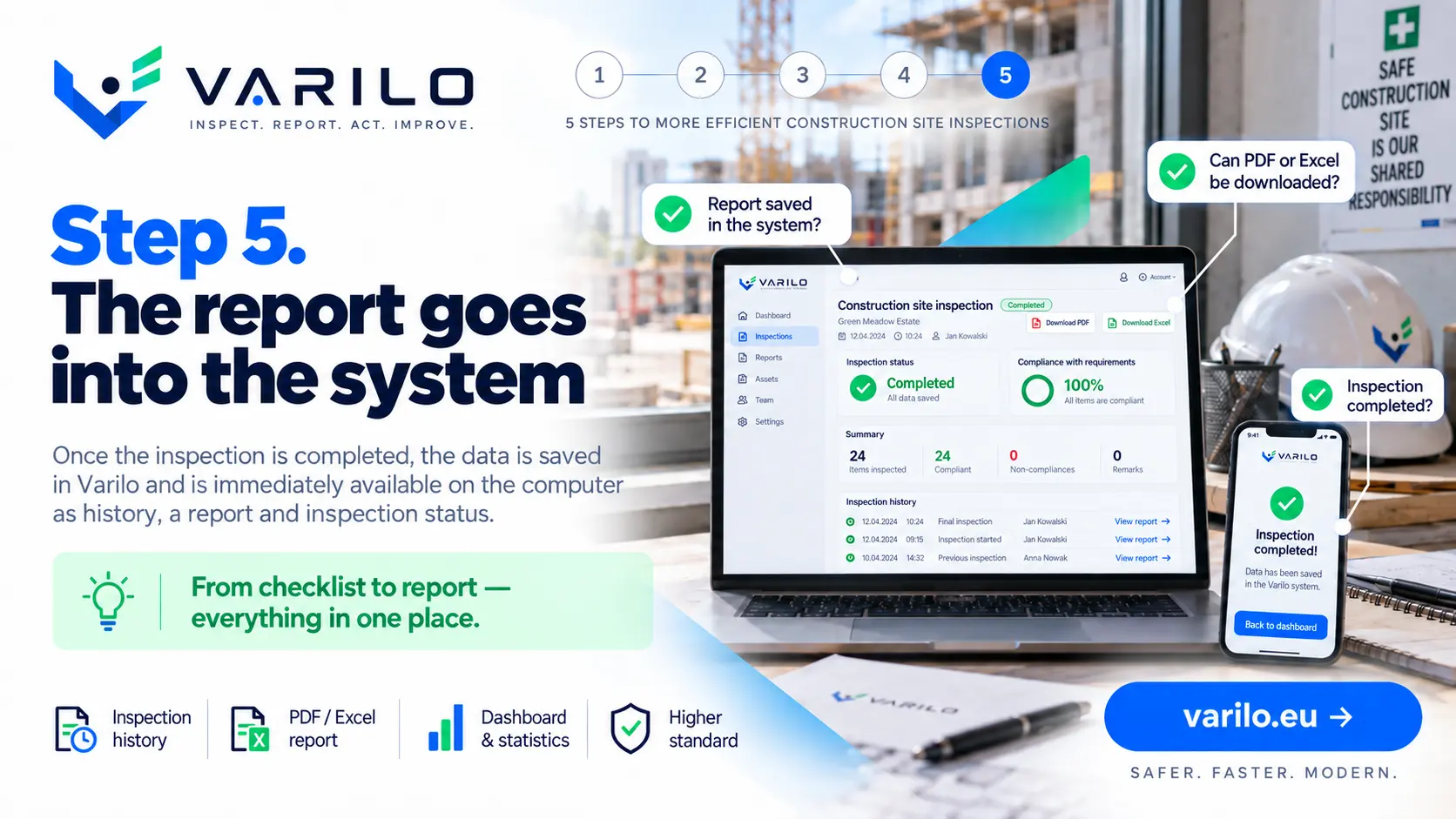
    Results from every site land in one system together with history and statistics.

Typical construction inspections

Checklists commonly used in construction.

  • site inspection
  • scaffolding inspection
  • ladder inspection
  • power tool inspection
  • work at height
  • safety protection check
  • contractor and subcontractor check
  • construction equipment check
  • site signage check
  • work stage acceptance
  • site housekeeping check
  • LMRA before starting work

Everything you need to run inspections

Digital checklists

Create and edit checklists that match your own processes.

QR and NFC

Launch the right checklist directly at the inspected place or piece of equipment.

Inspections without login

Workers do not need their own account to complete a shared inspection.

Findings

Document issues found during an inspection and keep their history.

Documentation

Keep inspection results in one place instead of binders and scattered files.

Reports and statistics

See how many inspections were done, their results and recurring issues.

Data-driven site inspections

Reports and statistics show how inspections run on each site:

  • number of inspections per site,
  • the most frequent findings,
  • photos and comments attached to checks,
  • history of scaffolding and equipment checks,
  • time and place of each inspection.

Start with one site

Move your most frequent checklist to Varilo and review the result after the first scan.

FAQ – Varilo in construction

Can a subcontractor run a check without an account?
Yes. A shared check opens after scanning the QR code or NFC tag.
Does it work without internet on site?
Yes. Answers are stored on the phone and sent once the connection is back.
Can photos be attached?
Yes. Each answer can include a photo and a comment describing the finding.
Can several sites run inspections at once?
Yes. Each tag keeps its own history while results collect in one system.
Does Varilo replace statutory acceptances?
No. Varilo is a tool for running and documenting day-to-day inspections.

Sample checklists

Ready-made inspection templates you can start from.

Construction

Scaffolding handover inspection

Checklist for scaffolding handover and periodic checks: foundation, structure, platforms, guard rails, ties and signage.

14 check points

View checklist

All checklists

Ready to leave paper checklists behind?

Create inspections, share them via QR or NFC and analyse the results in one place.

No paperwork. No worker accounts. From checklist to report in one place.